1
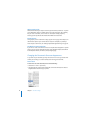
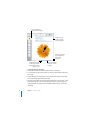
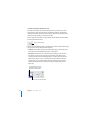
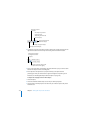
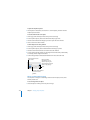
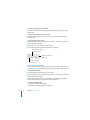
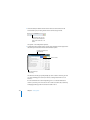
To perform a basic calculation using row values:
1 Select a range of adjacent cells in a row.
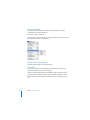
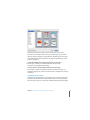
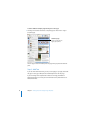
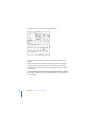
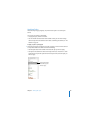
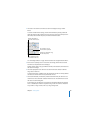
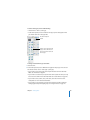
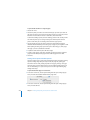
2 Click Inspector in the toolbar, click the Table Inspector button, and click Numbers.
3 Choose a formula from the Formula pop-up menu.
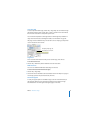
Pages places the formula and its result in the first empty cell to the right of the
selected cells. If there is no empty cell, Pages creates a new column to hold the result.
If the row has a header cell and you want the formula to use all the values in the row,
click the header cell before choosing the formula.
Removing a Formula
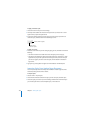
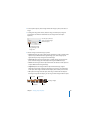
To remove a formula from a cell:
1 Select the cell.
2 Press the Delete key.
Using the Formula Editor to Add and Edit Formulas
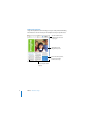
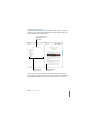
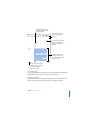
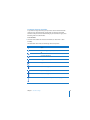
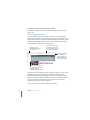
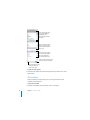
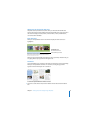
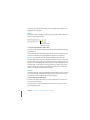
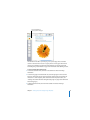
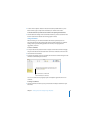
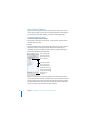
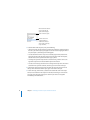
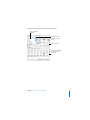
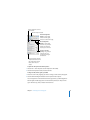
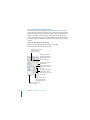
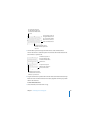
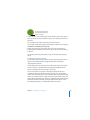
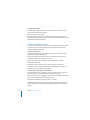
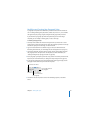
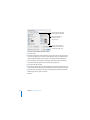
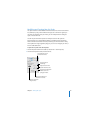
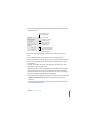
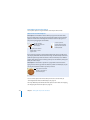
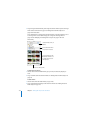
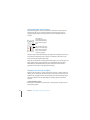
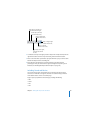
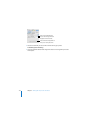
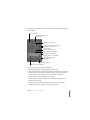
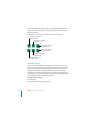
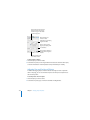
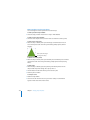
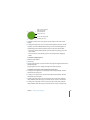
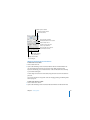
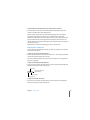
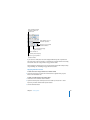
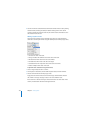
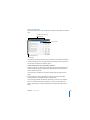
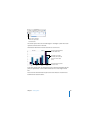
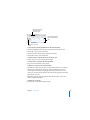
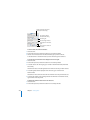
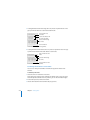
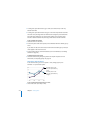
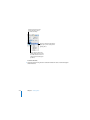
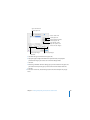
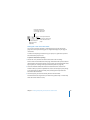
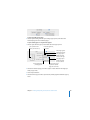
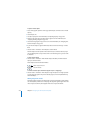
The Formula Editor lets you create and modify formulas.
An equal sign is
always the first
element in a formula.
Cancel button
Discard changes.
Accept button
Save changes.
Text field
View or edit a formula
in this field.
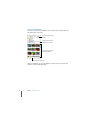
Insert Formula button
Press and hold to choose a
predefined function from
the pop-up menu.
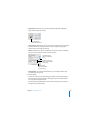
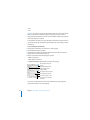
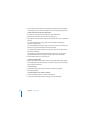
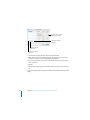
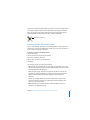
To open the Formula Editor:
m Select a table cell and type the equal sign (=).
m Select a table cell that contains a formula, and click in the cell or press Return or Enter.
Chapter 8 Creating Tables
187