1
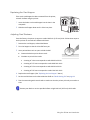
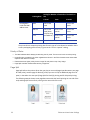
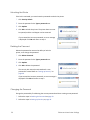
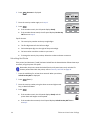
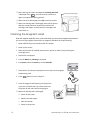
15. After cleaning, the card is discharged and Cleaning Start OK? is displayed. Press , turn the card over, and insert it again to complete the cleaning process.
Cleaning Card Discharged
16. When the card is discharged, press Exit to end the process.
17. When the cleaning card is discharged, power off the printer. Wait ten seconds and then reinstall the retransfer film cartridge, card hopper, and laminator film cartridges, and power back on.
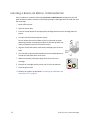
Cleaning the Magnetic Head
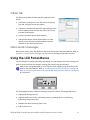
Clean the magnetic head after every 1,000 cards when you are printing magnetic stripe cards. If you are not using magnetic stripe cards, the magnetic head does not require cleaning.
1. Power off both the printer and laminator (if installed).
2. Power on the printer.
3. Move the laminator (if installed) away from the printer to avoid a card jam during the cleaning process.
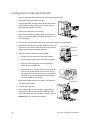
4. Remove the card hopper.
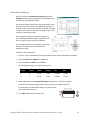
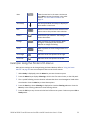
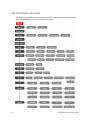
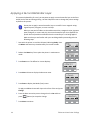
5. Press the Menu key. Cleaning is displayed.
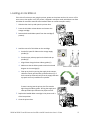
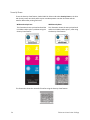
6. Press Enter and use the Next key to select MG OK? 7. Place three or four drops of isopropanol on the stripe of the magnetic head cleaning card.
8. Press (Return) on the LCD panel.
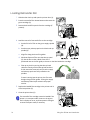
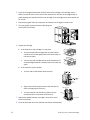
9. Place the magnetic head cleaning card (stripe side up) on the card load roller. The card is drawn into the printer by the rollers and cleaning begins.
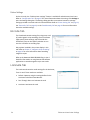
10. When the cleaning card is discharged:
a. Power off the printer.
b. Replace the card hopper.
c. Wait ten seconds.
d. Power on the printer.
74
Maintaining Your Printer and Laminator