1
CD
General Operations
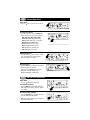
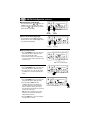
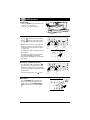
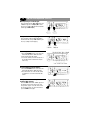
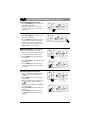
Power On/Off:
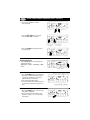
Press the
button to turn the unit on and off.
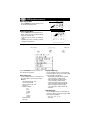
Selecting a Play Source:
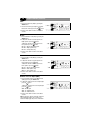
To select a play source, press the MODE button
until the desired source appears in the display:
AM1, AM2, FM1, FM2 or FM3
(AM and FM Radio),
SIRIUS (Satellite Radio Input, if connected),
CD (Built-in CD Player),
CD-CH (CD Changer, if connected)
AUX IN (Auxiliary Audio Input),
IPOD (IPOD Input, if connected) and
USB (MP3 Player, if connected).
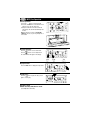
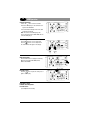
Dimming the Display:
Press and hold the
button to dim the brightness of the display. Press and hold again to
restore the brightness of display.
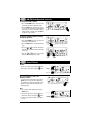
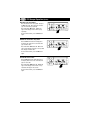
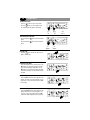
Display Selection:
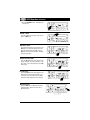
Press the DISP button to display the information
according to the mode selected.
Example: Press the DISP button in the Sirius
radio mode to display “CH-NAME _> SONGTITLE _> ARTIST NAME _> CATEGORY”.
CD
AM/FM Radio Operations
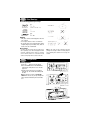
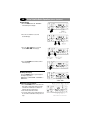
Power On/Off:
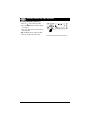
Press the
button to turn the unit on.
Selecting the Play Source:
Press the MODE button until “AM1, AM2, FM1,
FM2 or FM3” appears in the display.
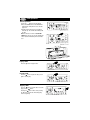
Selecting the AM or FM Band:
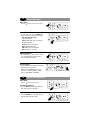
Press the ENT BND button repeatedly and select
from FM1, FM2, FM3, AM1 or AM2.
24