1
Adjusting a Transition
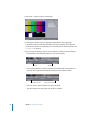
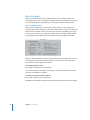
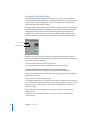
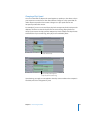
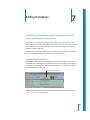
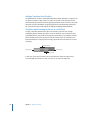
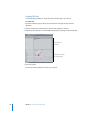
You can perform some simple trimming operations on transitions in the Timeline to
make them longer or shorter. If the transition is centered on the edit point, changes in
duration extend in both directions.
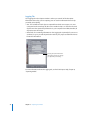
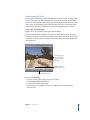
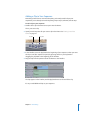
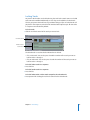
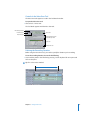
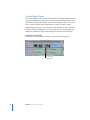
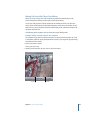
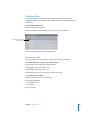
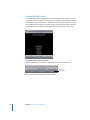
To graphically change a transition’s duration in the Timeline:
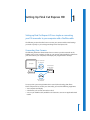
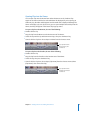
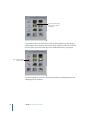
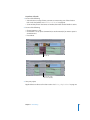
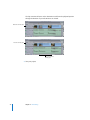
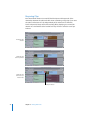
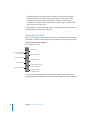
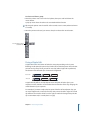
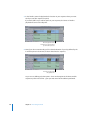
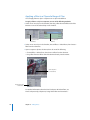
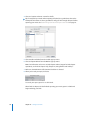
1 Choose the Selection tool, then move the pointer to the beginning or the end of the
transition in the Timeline.
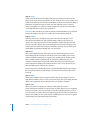
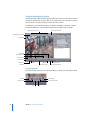
The pointer changes to the Resize pointer.
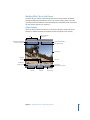
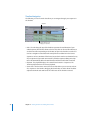
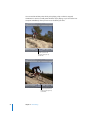
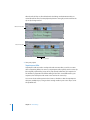
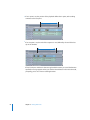
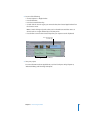
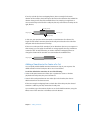
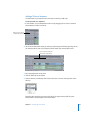
2 Drag the transition’s edit point to the new duration.
Drag the Resize pointer to
the duration you want.
3 Save your project.
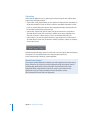
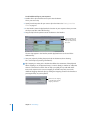
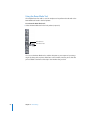
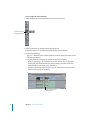
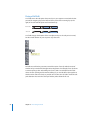
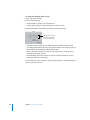
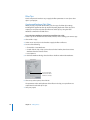
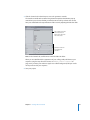
To numerically change the duration of a transition in a sequence:
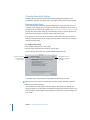
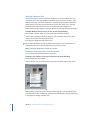
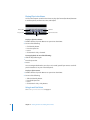
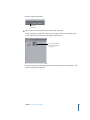
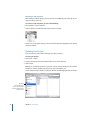
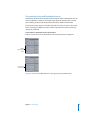
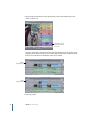
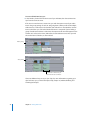
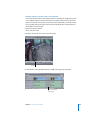
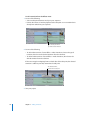
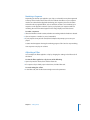
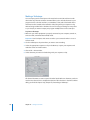
1 Control-click the video transition, then choose Duration from the shortcut menu.
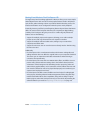
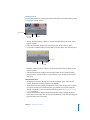
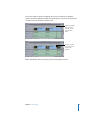
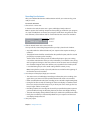
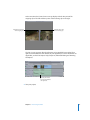
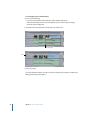
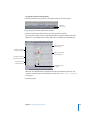
2 In the Duration dialog, enter a new duration for the transition, then click OK.
Enter the new
duration here.
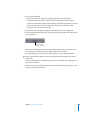
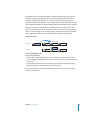
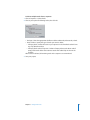
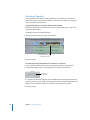
If you enter a duration that’s longer than the available amount of overlap between these
two clips, you hear an alert sound and the maximum duration possible is displayed in the
dialog. You can change the duration or click OK to use the maximum duration.
3 Save your project.
114
Chapter 7 Adding Transitions