1
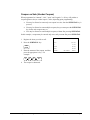
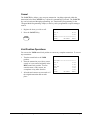
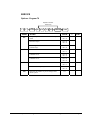
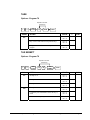
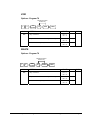
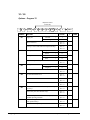
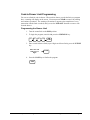
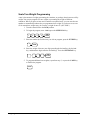
Enter a Percent Discount on an Item
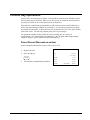
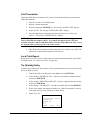
You can also operate the percentage functions by entering the percentage of the discount or
surcharge. You can enter a fractional percentage up two 3 digits beyond the decimal (i.e.
99.999%) if necessary.
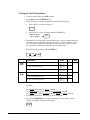
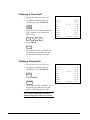
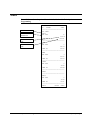
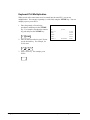
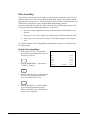
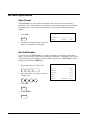
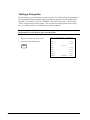
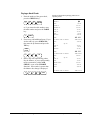
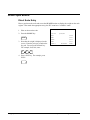
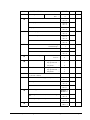
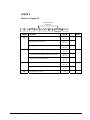
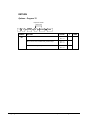
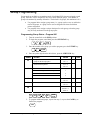
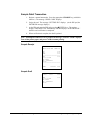
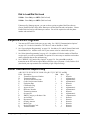
1. Register the discounted item.
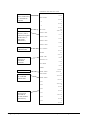
DATE 01/10/2007 WED
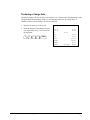
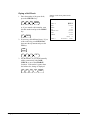
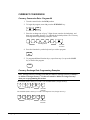
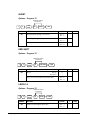
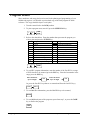
2. Enter the percentage. If you are entering
a fraction of a percent, you must use the
decimal key. For example, for one third
off enter:
PLU2
%1
AMOUNT
TOTAL
CASH
CLERK 1
3
3
.
3
3
3
TIME 08:33
$10.00
-33.333%
-3.33
$6.67
$6.67
NO.000011 00001
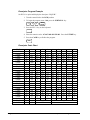
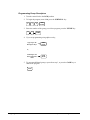
3. Press the %1 key:
%1
4. The discount is automatically subtracted.
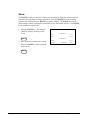
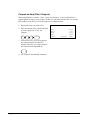
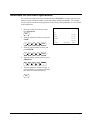
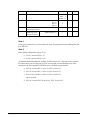
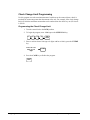
Percent on Sale Total
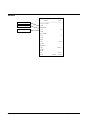
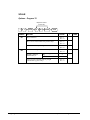
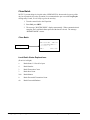
The percent can be an open or preset amount. In this example an open percentage surcharge
of 15% is applied.
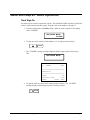
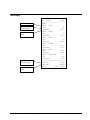
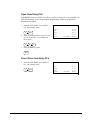
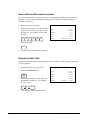
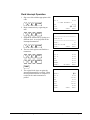
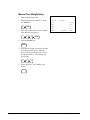
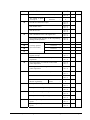
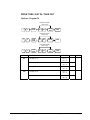
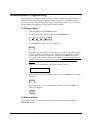
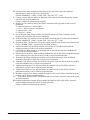
1. Register the items you wish to sell.
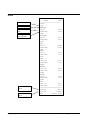
DATE 01/10/2007 WED
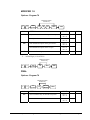
2. Press the SUBTOTAL key:
PLU2
%1
AMOUNT
TOTAL
CASH
CLERK 1
SUB
TOTAL
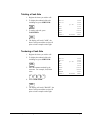
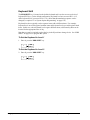
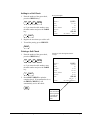
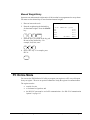
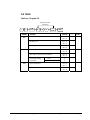
3. Enter the percentage, and then press the
appropriate discount key. For example,
for 15% enter:
1
5
TIME 08:33
$10.00
15.000%
$1.50
$11.50
$11.50
NO.000011 00001
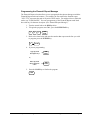
%1
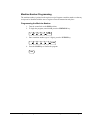
4. The surcharge is automatically added.
74 • Operator Reference Guide
SAM4s ER-285M Operator's and Program Manual v1.4