1
6
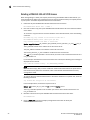
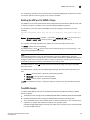
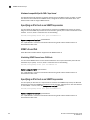
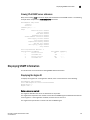
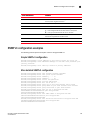
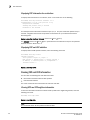
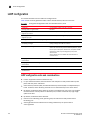
Displaying SNMP Information
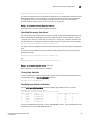
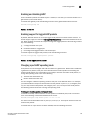
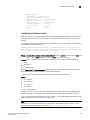
Displaying SNMP groups
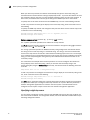
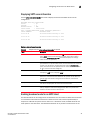
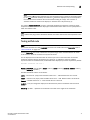
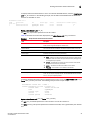
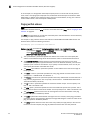
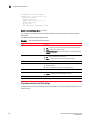
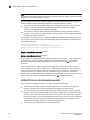
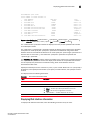
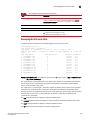
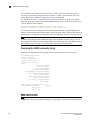
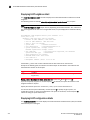
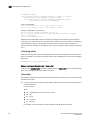
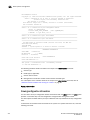
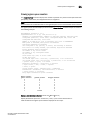
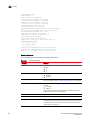
To display the definition of an SNMP group, enter a command such as the following.
Brocade#show snmp group
groupname = exceptifgrp
security model = v3
security level = authNoPriv
ACL id = 2
readview = exceptif
writeview = <none>
Syntax: show snmp group
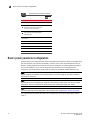
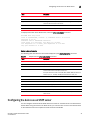
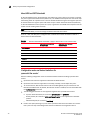
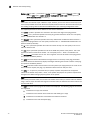
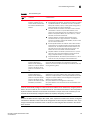
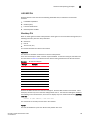
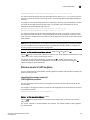
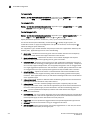
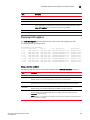
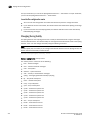
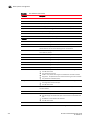
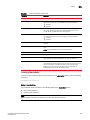
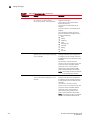
The value for security level can be one of the following.
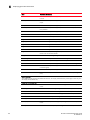
Security level
Authentication
<none>
If the security model shows v1 or v2, then security level is blank. User names are not
used to authenticate users; community strings are used instead.
noauthNoPriv
Displays if the security model shows v3 and user authentication is by user name only.
authNoPriv
Displays if the security model shows v3 and user authentication is by user name and the
MD5 or SHA algorithm.
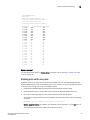
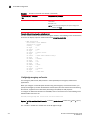
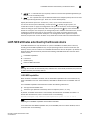
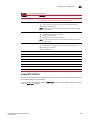
Displaying user information
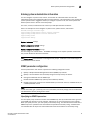
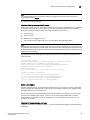
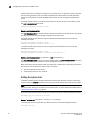
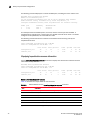
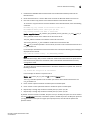
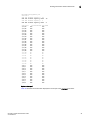
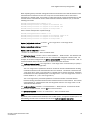
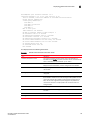
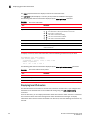
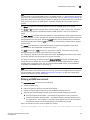
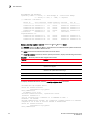
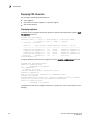
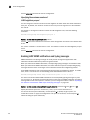
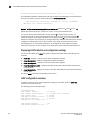
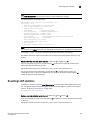
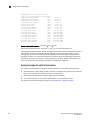
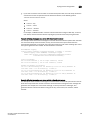
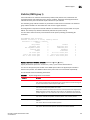
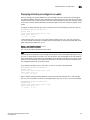
To display the definition of an SNMP user account, enter a command such as the following.
Brocade#show snmp user
username = bob
ACL id = 2
group = admin
security model = v3
group ACL id = 0
authtype = md5
authkey = 3aca18d90b8d172760e2dd2e8f59b7fe
privtype = des, privkey = 1088359afb3701730173a6332d406eec
engine ID= 800007c70300e052ab0000
Syntax: show snmp user
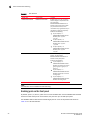
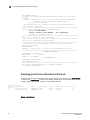
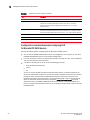
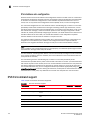
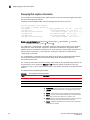
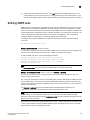
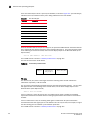
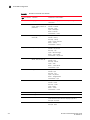
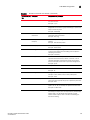
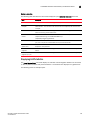
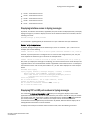
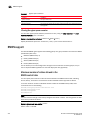
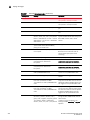
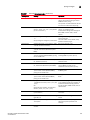
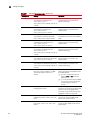
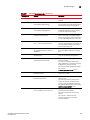
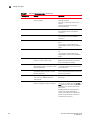
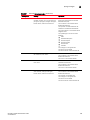
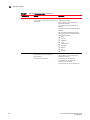
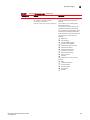
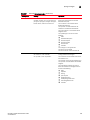
Interpreting varbinds in report packets
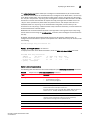
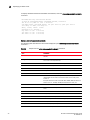
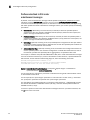
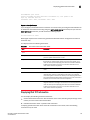
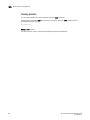
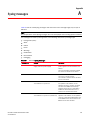
If an SNMP version 3 request packet is to be rejected by an SNMP agent, the agent sends a report
packet that contains one or more varbinds. The varbinds contain additional information, showing
the cause of failures. An SNMP manager application decodes the description from the varbind. The
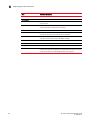
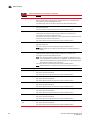
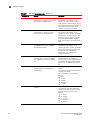
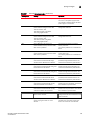
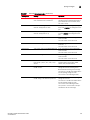
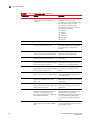
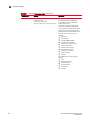
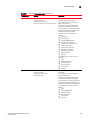
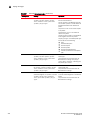
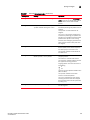
following table presents a list of varbinds supported by the SNMP agent.
168
Brocade ICX 6650 Administration Guide
53-1002600-01