1
Source
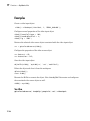
Examples
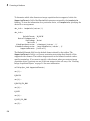
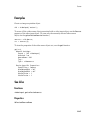
Create an image acquisition object.
vid = videoinput('matrox');
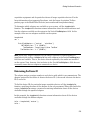
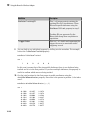
To access all the video source objects associated with a video input object, use the Source
property of the video input object. (To view only the currently selected video source
object, use the getselectedsource function.)
sources = vid.Source;
src = sources(1);
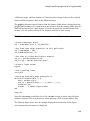
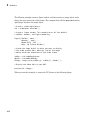
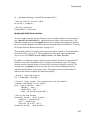
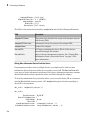
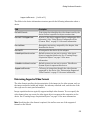
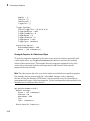
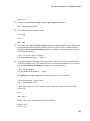
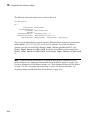
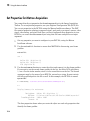
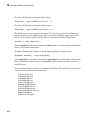
To view the properties of the video source object src, use the get function.
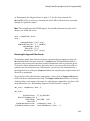
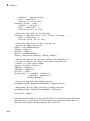
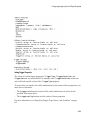
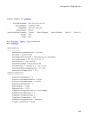
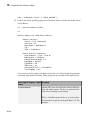
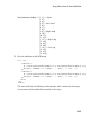
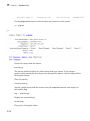
get(src)
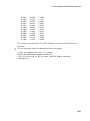
General Settings:
Parent = [1x1 videoinput]
Selected = on
SourceName = CH1
Tag =
Type = videosource
Device Specific Properties:
InputFilter = lowpass
UserOutputBit3 = off
UserOutputBit4 = off
XScaleFactor = 1
YScaleFactor = 1
See Also
Functions
videoinput, getselectedsource
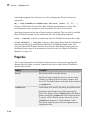
Properties
SelectedSourceName
18-45