1
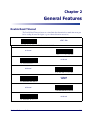
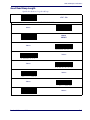
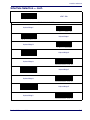
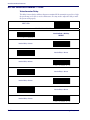
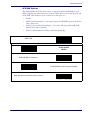
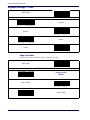
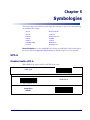
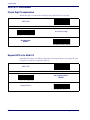
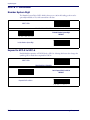
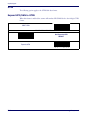
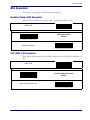
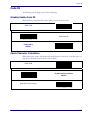
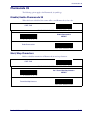
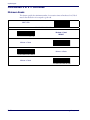
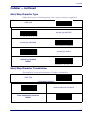
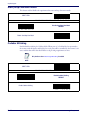
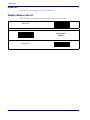
Standard 2 of 5
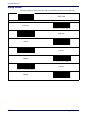
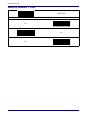
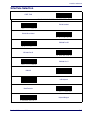
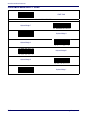
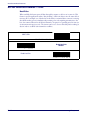
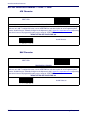
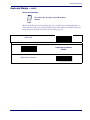
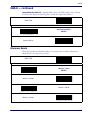
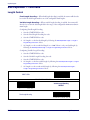
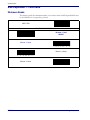
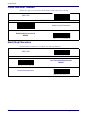
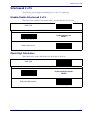
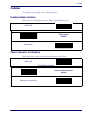
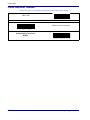
Standard 2 of 5 — continued
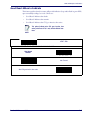
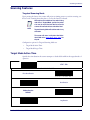
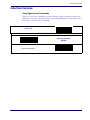
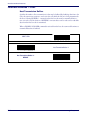
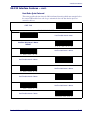
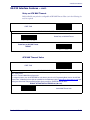
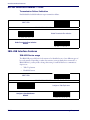
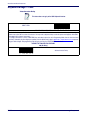
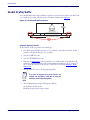
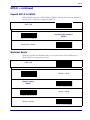
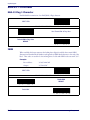
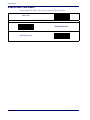
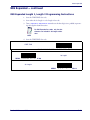
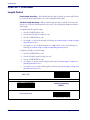
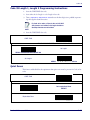
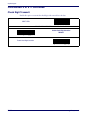
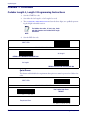
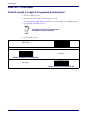
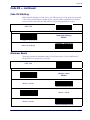
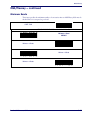
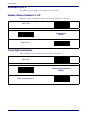
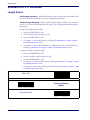
Standard 2 of 5 Length 1, Length 2 Programming Instructions
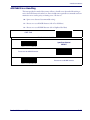
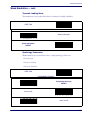
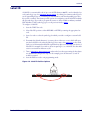
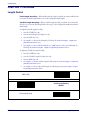
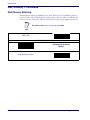
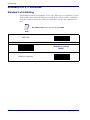
1. Scan the START bar code.
2. Scan either the Set Length 1 or Set Length 2 bar code.
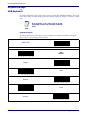
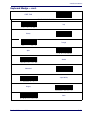
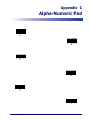
3. Turn to Appendix C, Alpha-Numeric Pad and scan the three digits (zero padded) representing the length in decimal notation.
For Standard 2 of 5 bar codes, all check and
data characters are included in the length calculations.
NOTE
4. Scan the END bar code.
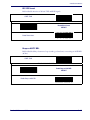
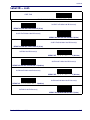
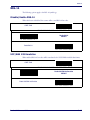
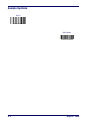
START / END
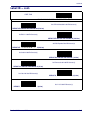
PROGRAMMING BARCODES
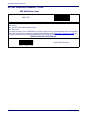
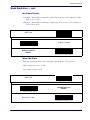
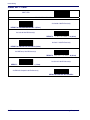
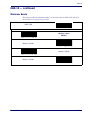
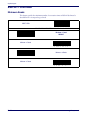
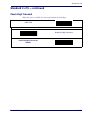
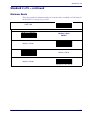
Set Length 1
DEFAULT SETTING FOR THIS FEATURE: 008
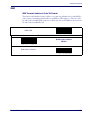
Set Length 2
DEFAULT SETTING FOR THIS FEATURE: 050
Product Reference Guide
5-61