1
PAge header
Operating
your Breville PRODUCT
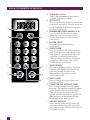
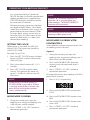
Number Pad
Display
AUTO
FUNCTION
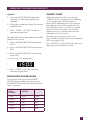
Example:
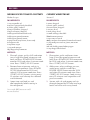
1. Press AUTO COOK button
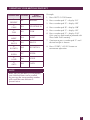
1
REHEAT
A1
REHEAT
2
VEGE
A2
VEGETABLES
3
FISH
A3
FISH
4
MEAT
A4
MEAT
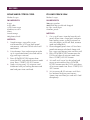
6. Press number pad “3” – display “150”
(this step has confirmed to proceed with
Auto Cook Fish function).
5
PASTA
A5
PASTA
7. C
ontinue to press number pad “3” until
desired weight is chosen.
6
POTATO
A6
POTATOES
8. P
ress START / +30 SEC button to
commence operation.
7
PIZZA
A7
PIZZA
8
SOUP
A8
SOUP
9
OATS
A9
OATS
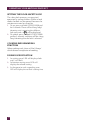
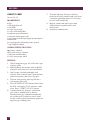
2. Press number pad “1” – display “A1”
3. Press number pad “5” – display “A5”
4. Press number pad “8” – display “A8”
5. Press number pad “3” – display “A3”
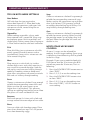
NOTE
After pressing the AUTO COOK button,
auto cook functions can be scrolled
by pressing the corresponding number
pads until the same function is
pressed twice.
19