1
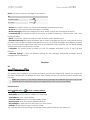
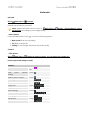
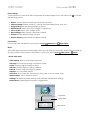
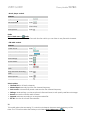
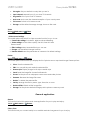
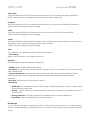
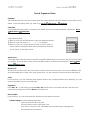
USER GUIDE Cherry Mobile T8 PRO • Music player controls Controls Play/Pause Touch / . Previous/next Touch / . Volume adjust Touch Press volume keys. Enter options Touch the side Radio Go to: Main menu > Radio. This mobile phone has a built in FM radio function which you can listen to any FM radio channels. • FM radio controls Controls Power on/off Touch Switch frequency Touch Adjust volume Touch volume keys. Enter settings Touch . Quick search Touch . Record radio Touch . Pause/Resume recording radio Touch Stop and save recording radio Touch Select options Touch . Back to previous menu Touch . . . or press . . Select options Channel list: List of Radio channels Manual input: Manually input the FM channel frequency. Auto search: Automatically search and save the FM channel frequency. Settings: Under settings, you have options for Record format, Audio quality and Record storage. Record: record the current radio channel Append: add new recording to a saved recorded file. File list: view the list of radio recorded file. TV This mobile phone has an analog TV, watch local channel whenever and wherever you like. Note: The TV function drains the battery much faster. Go to: Main menu > TV.