1
DWS-1008 CLI Reference Guide
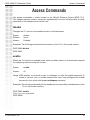
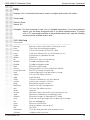
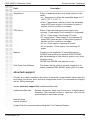
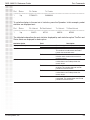
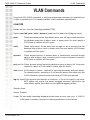
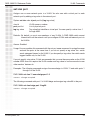
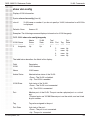
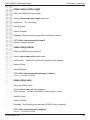
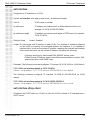
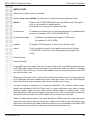
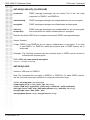
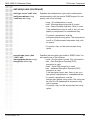
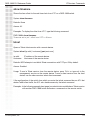
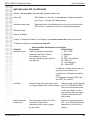
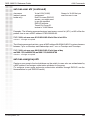
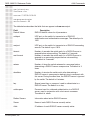
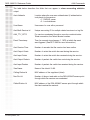
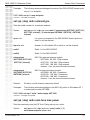
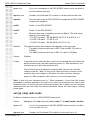
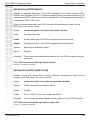
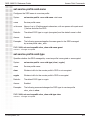
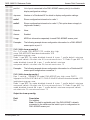
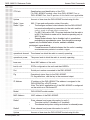
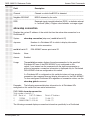
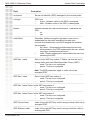
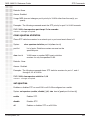
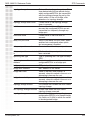
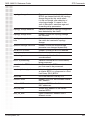
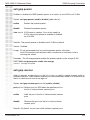
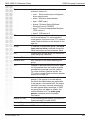
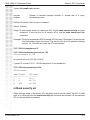
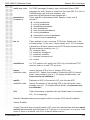
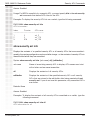
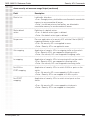
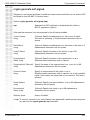
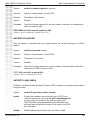
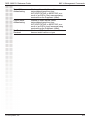
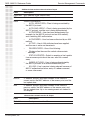
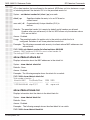
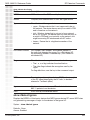
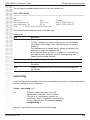
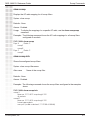
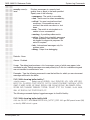
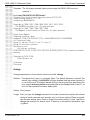
port port-num
Trace Commands
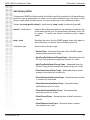
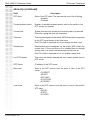
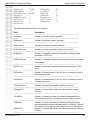
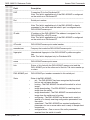
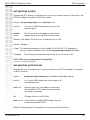
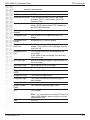
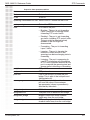
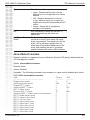
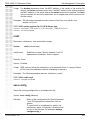
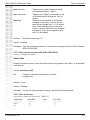
Traces a port number. Specify a switch
port number between 1 and 8.
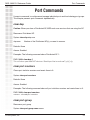
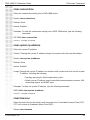
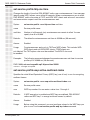
Traces a user. Specify a username of up
to 80 alphanumeric characters, with no
spaces.
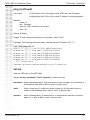
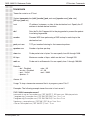
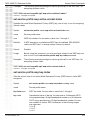
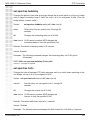
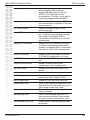
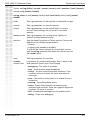
Determines the quantity of information
included in the output. You can set the
level with an integer from 1 to 10, where
level 10 provides the most information.
Levels 1 through 5 provide user-readable
information. If you do not specify a level,
level 5 is the default.
user username
level level
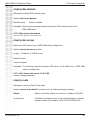
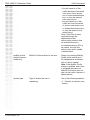
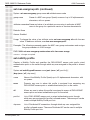
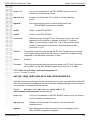
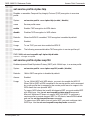
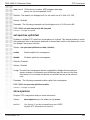
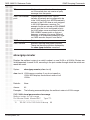
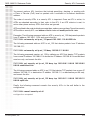
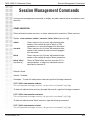
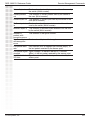
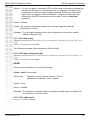
Defaults: The default trace level is 5.
Access: Enabled.
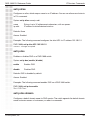
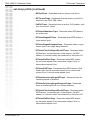
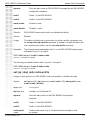
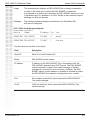
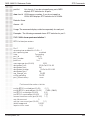
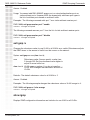
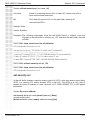
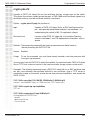
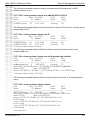
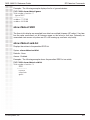
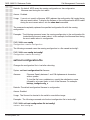
Examples: Type the following command to trace session manager activity for MAC address
00:01:02:03:04:05:
DWS-1008# set trace sm mac-addr 00:01:02:03:04:05:
success: change accepted.
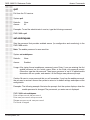
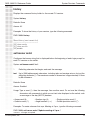
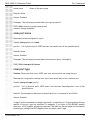
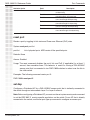
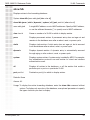
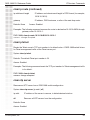
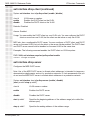
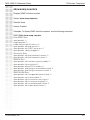
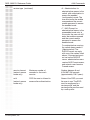
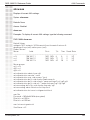
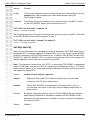
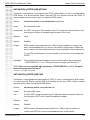
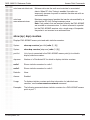
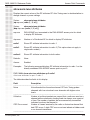
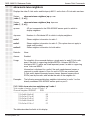
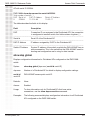
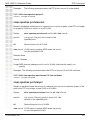
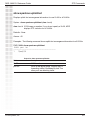
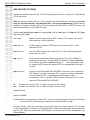
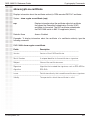
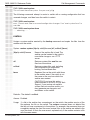
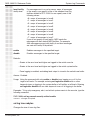
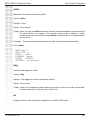
show trace
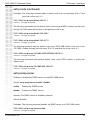
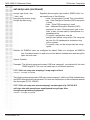
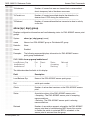
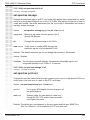
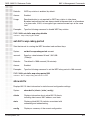
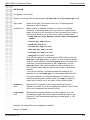
Displays information about traces that are currently configured on the switch, or all possible
trace options.
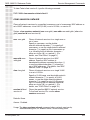
Syntax: show trace [all]
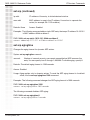
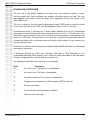
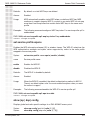
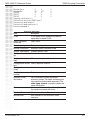
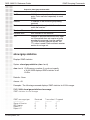
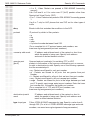
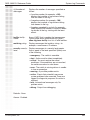
all
Displays all possible trace options and their
configuration.
Defaults: None.
Access: Enabled.
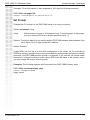
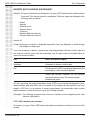
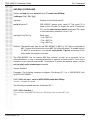
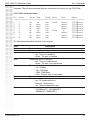
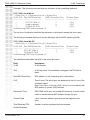
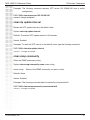
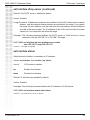
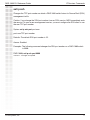
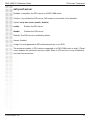
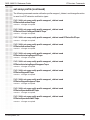
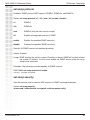
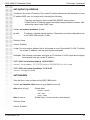
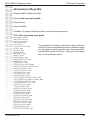
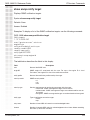
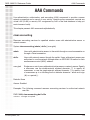
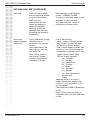
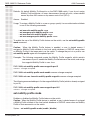
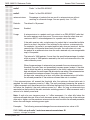
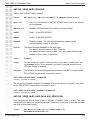
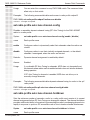
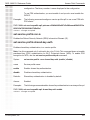
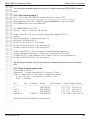
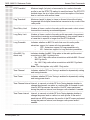
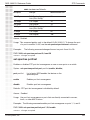
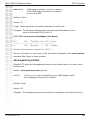
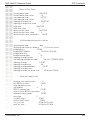
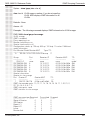
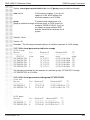
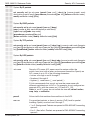
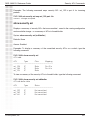
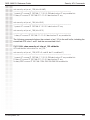
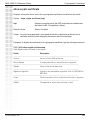
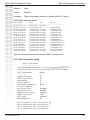
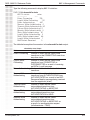
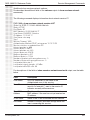
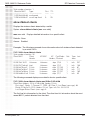
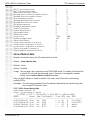
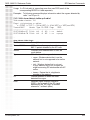
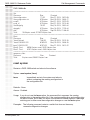
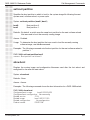
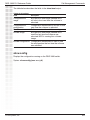
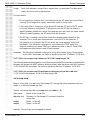
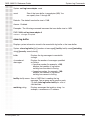
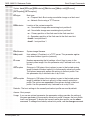
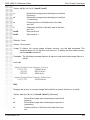
Examples: To view the traces currently running, type the following command:
DWS-1008# show trace
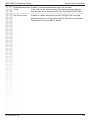
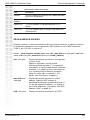
milliseconds spent printing traces: 1885.614
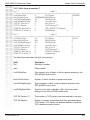
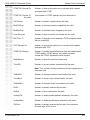
Trace Area
-------------dot1x
sm
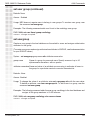
D-Link Systems, Inc.
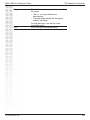
Level Mac
-------------5
5
User
-------
Port Filter
--------------0
0
372