1
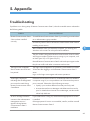
New Installation
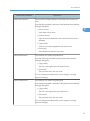
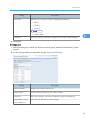
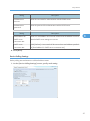
Authentication Method
Notes Authentication
Explanation
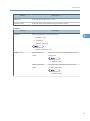
User accounts of Notes domains constructed in the network are
used.
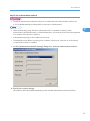
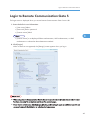
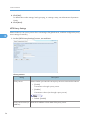
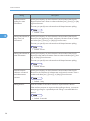
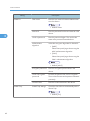
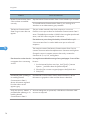
Enter the following data in the items of the [Authentication Method
Settings] dialog box.
• [Server name:]
Enter Notes server name.
2
• [Domain name:]
Enter the name of the domain with which the Notes server is
affiliated.
• [Login name:]
Enter the user name registered in the Notes server.
• [Password:]
Enter the password for the user name.
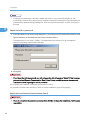
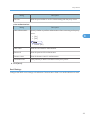
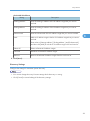
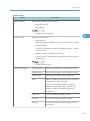
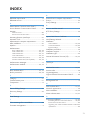
NDS Authentication
Uses network user names and passwords.
Enter the following in the fields of the [Authentication Method
Settings] dialog box:
• [Login name:]
The user name registered in the Novell server.
• [Password:]
The password set for the user name.
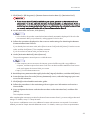
You can change the authentication server settings by clicking
[General Settings].
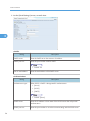
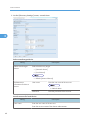
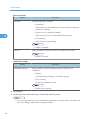
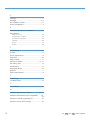
LDAP Authentication
Uses network user names and passwords.
Enter the following data in the fields of the [Authentication Method
Settings] dialog box:
• [Login name:]
The user name registered in the LDAP server.
• [Password:]
The password set for the user name.
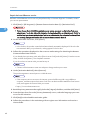
You can change the authentication server settings by clicking
[General Settings].
37