1
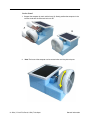
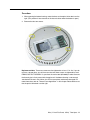
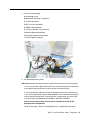
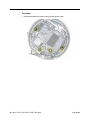
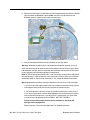
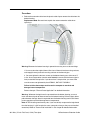
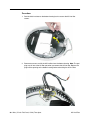
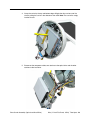
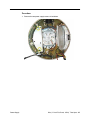
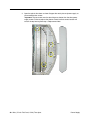
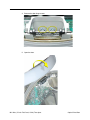
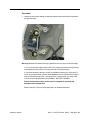
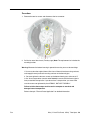
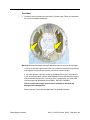
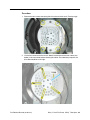
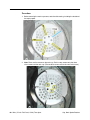
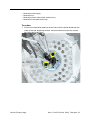
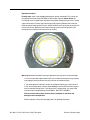
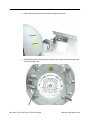
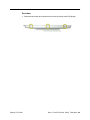
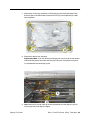
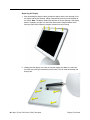
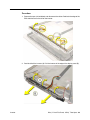
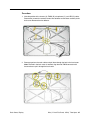
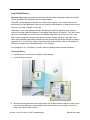
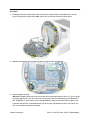
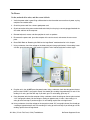
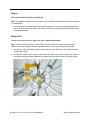
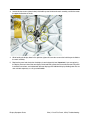
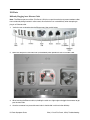
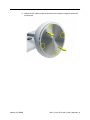
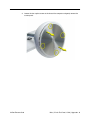
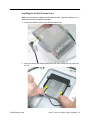
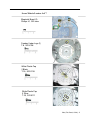
3. Loosen the four screws (shown below) that hold the panel shield to the neck assembly, and tilt the screen
the opposite direction of the tilt.
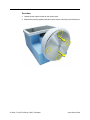
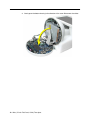
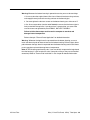
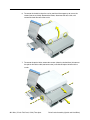
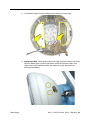
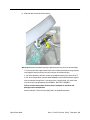
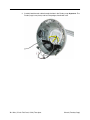
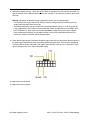
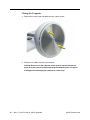
4. While holding the display bezel in this position, tighten the same four screws that hold the panel shield to
the neck assembly.
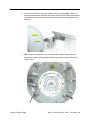
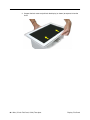
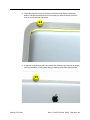
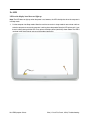
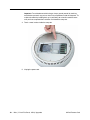
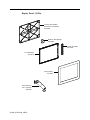
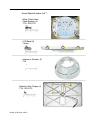
5. Replace the panel and check that the display is now horizontally level. Important: If you are replacing
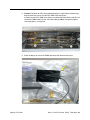
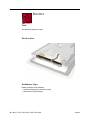
the display, be sure to install the new display shield and EMI gaskets that come with the new LCD panel.
Installation instructions are included with the new display panel. Additional display shields/gasket kits are
also available separately as a kit, part #076-0958.
Display Symptom Charts
iMac (17-inch Flat Panel, 1GHz) Troubleshooting -