1
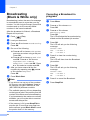
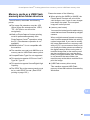
Security features
Changing your memory security
password
a
b
4
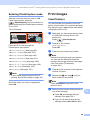
Turning the memory security
on/off
4
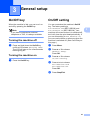
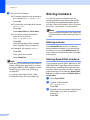
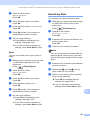
Press Menu.
Press a or b to choose Fax.
Press OK.
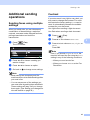
Turning on the memory security lock
a
b
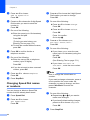
Press Menu.
c
Press a or b to choose
Miscellaneous.
Press OK.
4
c
Press a or b to choose
Miscellaneous.
Press OK.
d
Press a or b to choose Mem Security.
Press OK.
e
Press a or b to choose Set Password.
Press OK.
d
Press a or b to choose Mem Security.
Press OK.
f
Enter the registered 4-digit number for
the current password.
Press OK.
e
Press a or b to choose Set Security.
Press OK.
g
Enter a 4-digit number for a new
password.
Press OK.
f
Enter the registered 4-digit password.
Press OK.
The machine goes offline and the LCD
shows Secure Mode.
h
When the LCD shows Verify:,
re-enter the new password.
Press OK.
i
Press a or b to choose Fax.
Press OK.
4
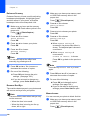
Note
If there is a power failure the data will stay
in memory for approximately 24 hours.
Press Stop/Exit.
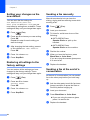
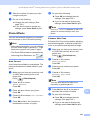
Turning off the memory security
a
b
4
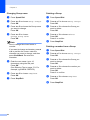
Press Menu.
Enter the registered 4-digit password.
Press OK.
Memory Security is automatically turned
off.
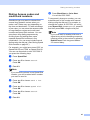
Note
If you enter the wrong password, the LCD
shows Wrong Password and stays
offline. The machine will stay in Secure
mode until the registered password is
entered.
31