1
CG.GSM.A780.book Page 25 Tuesday, May 17, 2005 5:42 PM
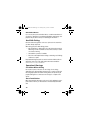
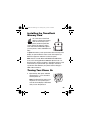
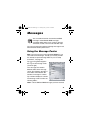
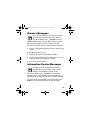
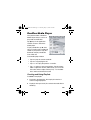
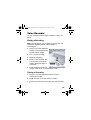
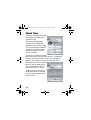
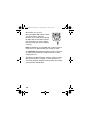
Installing the TransFlash
Memory Card
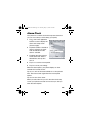
You can insert a TransFlash
memory card into the memory
card slot on the top of your
phone (under the protective
cover) and use the memory card to
store and retrieve multimedia objects
(such as photos, videos and MP3 music
files).
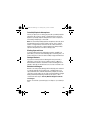
To eject the memory card, tap the status bar at the top of the
display to open the device status screen, then tap the Eject
button that appears under the TransFlash Card option.
Note: Due to a known Microsoft® Windows® USB driver
issue, a PC running Windows 2000 with Service Pack 1 or
Service Pack 2 will not recognize a TransFlash memory card
inserted into your phone when you attempt to transfer or
synchronize data between your phone and PC through a
USB cable connection.
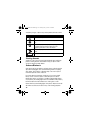
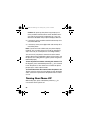
Turning Your Phone On
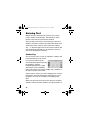
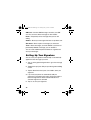
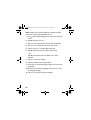
1 Open the flip, then press and hold
the power key P for 2 seconds to
turn the phone on.
Note: The flip must be open to turn
the phone on. It may take up to 4
seconds for the display to illuminate
after you turn the phone on.
25