1
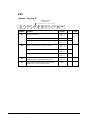
Ram Clearing
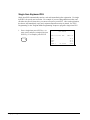
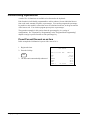
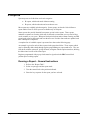
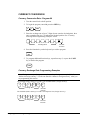
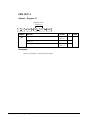
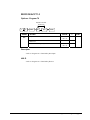
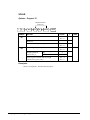
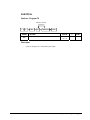
This ECR has two RAM clearing steps.
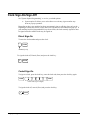
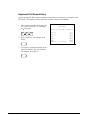
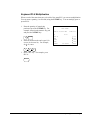
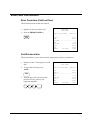
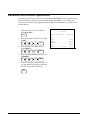
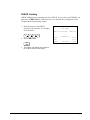
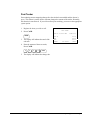
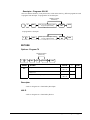
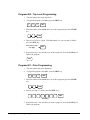
All Memory Clear
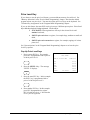
RAM clearing the cash register erases all programming and totals.
Use this program the first time the cash register is programmed.
Follow this procedure to clear totals from memory.
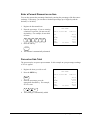
1. Unplug ECR.
2. Press and hold the CHECK key on key board and turn on the power switch at the same
time
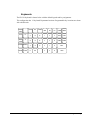
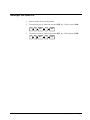
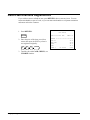
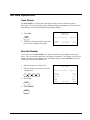
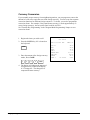
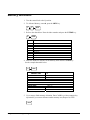
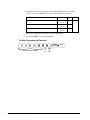
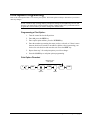
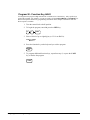
3. When the buzzer beeps, press left –top most, left-down most , right-top most, rightdown most in sequence.
4. When memory is cleared, the register prints a message “RAM ALL CLEAR OK!”
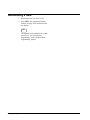
CONTINUE TO HOLD THE “CHECK” KEY DOWN UNTIL THE RECEIPT
PRINTER STOPS PRINTING AND THE DISPLAY SHOW “ALL CLEAR”
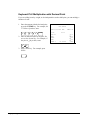
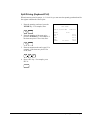
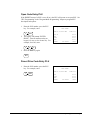
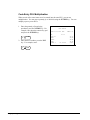
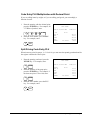
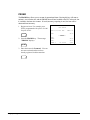
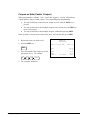
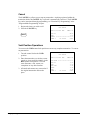
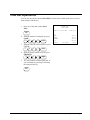
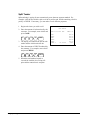
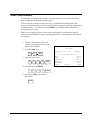
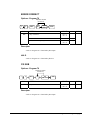
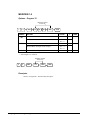
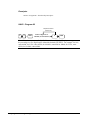
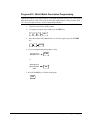
Initial Clear
1. Unplug ECR.
2.
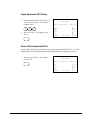
While holding the “SUBTOTAL” key down, power the register off, and back on.
3.
When initial clear is done, the register prints a message “INITIAL CLEAR OK !”
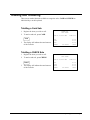
CONTINUE TO HOLD THE “SUBTOTAL” KEY DOWN UNTIL THE
RECEIPT PRINTER STOPS PRINTING AND THE DISPLAY SHOW 0.00.
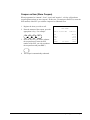
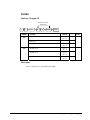
This procedure will not effect register programming, or clear previously stored totals in RAM
memory.
8 • Getting Started
ER230 Series