1
80
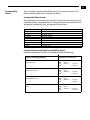
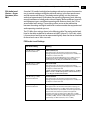
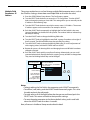
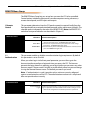
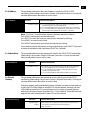
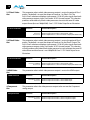
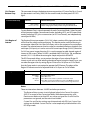
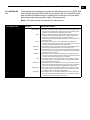
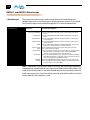
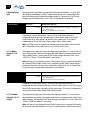
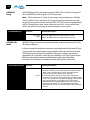
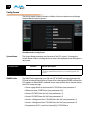
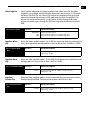
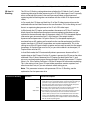
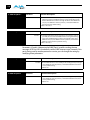
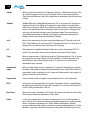
10 NTSC
Standard
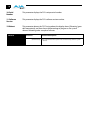
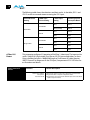
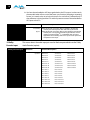
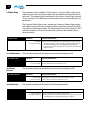
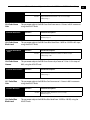
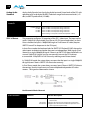
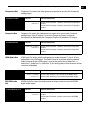
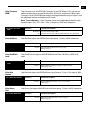
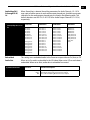
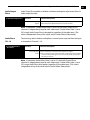
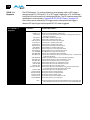
This parameter selects the NTSC video standard.
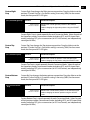
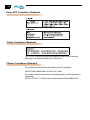
10 NTSC Standard
Selections
Selection Descriptions
NTSC (default)
NTSC Japan
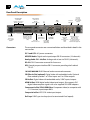
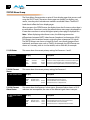
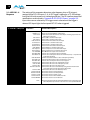
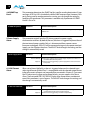
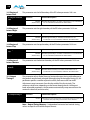
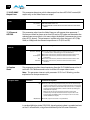
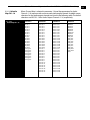
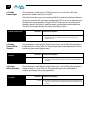
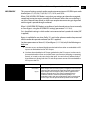
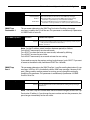
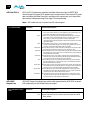
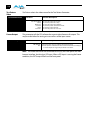
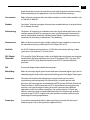
11 Composite
Downconv
Select NTSC for North America.
Select NTSC for Japan.
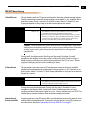
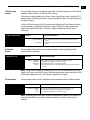
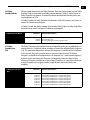
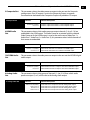
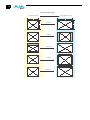
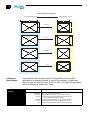
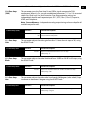
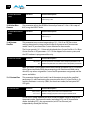
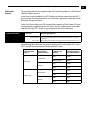
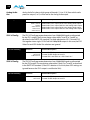
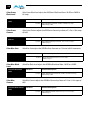
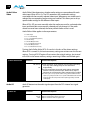
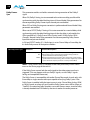
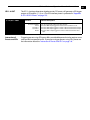
This parameter selects the type of Downconversion performed on the incoming
selected HD source input for the analog Composite (NTSC or PAL) video output.
Note: Using the Downconverter adds a frame of video delay and causes the
analog Composite output to be one frame behind the other outputs.
Also note that this parameter is used only when the Video Processor feeding the
Composite output (Output parameter 5 Composite Out) is producing HD. If that
Video Processor is producing SD, the Composite Downconverter is not needed, and
the format on the Composite output is the same as seen on the other outputs
(controlled by parameter 7 Downconvert Mode for that Video Processor).
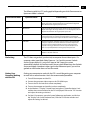
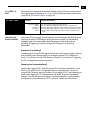
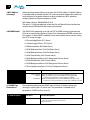
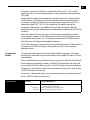
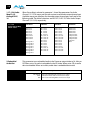
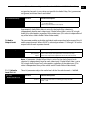
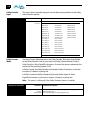
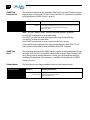
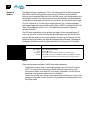
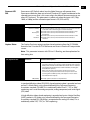
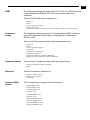
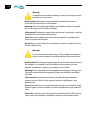
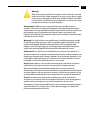
11 Composite Downconv
Crop
Selections
Selection Descriptions
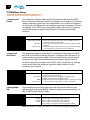
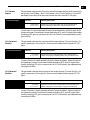
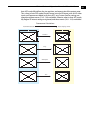
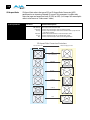
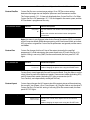
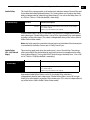
Crop (default)
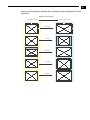
Anamorphic
14x9
Auto AFD
Letterbox
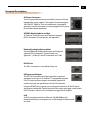
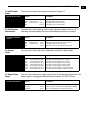
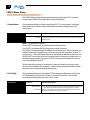
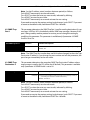
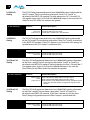
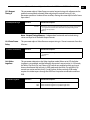
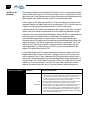
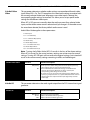
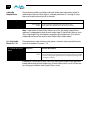
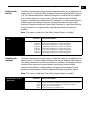
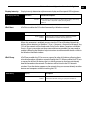
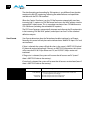
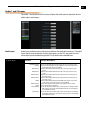
12 HDMI RGB
Range
Image is cropped to fit new screen size.
HD image is converted to full-screen SD with a 16x9 aspect ratio
(anamorphic).
Image is reduced slightly with aspect ratio preserved. Black is added top
and bottom, and the left and right sides are cropped.
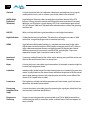
Automatically selects the best Downconvert mode based on the input
video's Active Format Description (AFD) code. If the input video is not
carrying an AFD VANC code, the Downconverter defaults to the mode
specified in parameter menu 16.3 Downconvert AFD Default.
Image is reduced with black top and bottom added to image area, with
the aspect ratio preserved.
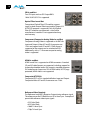
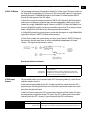
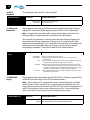
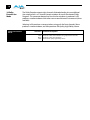
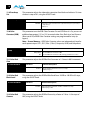
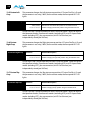
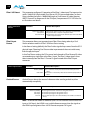
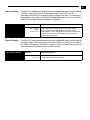
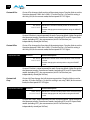
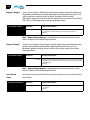
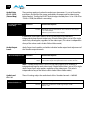
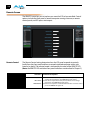
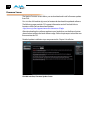
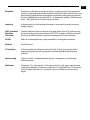
This parameter selects the output range for HDMI YCbCr. Full allows a range of 0-255
and SMPTE limits the range to 16 to 235 (see note for details).
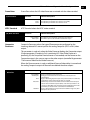
Note: YCbCr luminance (Y) channel data ranges nominally between 16 (black)
and 235 (white). Values outside of this range are typically clamped to the valid
range. This may cause confusion because JPEG JFIF YCbCr values range between 0
and 255. Mixing these values causes video contrast shifts. You can avoid these
shifts if you maintain one range of values throughout your system.
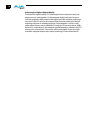
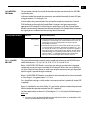
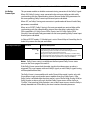
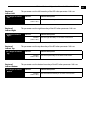
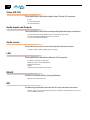
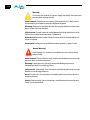
12 HDMI RGB Range
Selections
Selection Descriptions
Full (default)
SMPTE
Selects an HDMI luminance output range of 0-255.
Selects an HDMI luminance output range of 16-235.