1
redial
1
2
caller ID
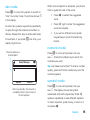
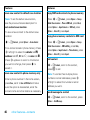
Press N from the home screen to see
Calling line identification (caller ID)
the Dialed Calls list.
shows the phone number for an
Scroll to the number you want to call, then
press N.
If you hear a busy signal and see
Call Failed, press N or Retry to redial the
number. When the call goes through, your
phone shows Connected and connects the call.
incoming call.
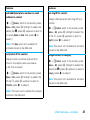
Your phone shows the caller’s name and
picture when they’re stored in your contact list,
or Incoming Call when caller ID information isn’t
available.
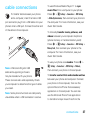
Note: Picture IDs aren’t available for contacts
stored on the SIM card.
return a call
Your phone keeps a record of your unanswered
calls, and shows X Missed Calls, where X is the
number of missed calls.
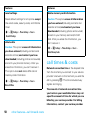
When you see the X Missed Calls message,
press s to see the Missed Calls list. Scroll to
the call you want to return, then press N.
Tip: Want to know who’s calling without even
looking at your phone? To give one of your
contacts a special ringtone, see page 47.
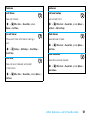
To show or hide your phone number for the
next outgoing call, enter the number you want
to call, then press Options > Show ID or Hide ID.
To show or hide your phone number for all
calls:
Find it: s > @ Settings > Call Settings >
Dialing Setup > My Caller ID > All Calls > Show ID or Hide ID
calls
27