1
all-FO4700.book
Page 47 Friday, October 8, 1999
11:10 AM
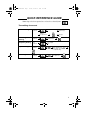
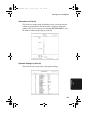
Programming Auto-Dial Numbers
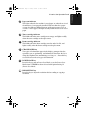
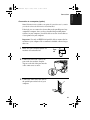
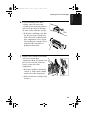
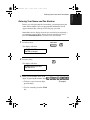
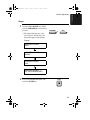
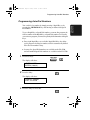
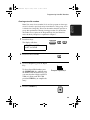
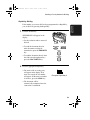
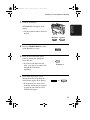
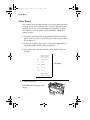
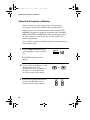
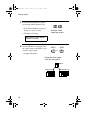
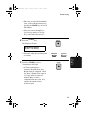
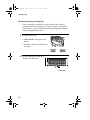
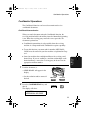
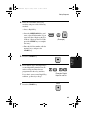
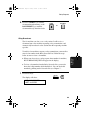
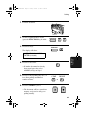
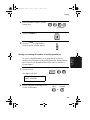
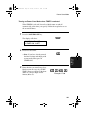
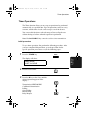
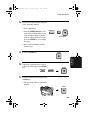
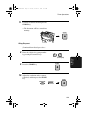
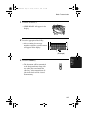
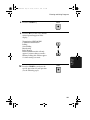
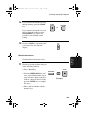
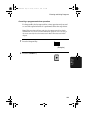
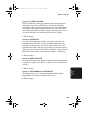
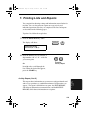
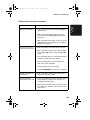
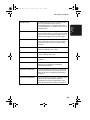
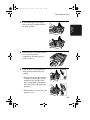
Enter the name of the party by
S
pressing the letter entry keys
(max.of 20 characters). (Make sure
the Rapid Key overlay is flipped
down.)
H
A
R
P
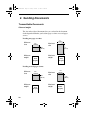
2. Sending
Documents
7
Example: SHARP
• If you don’t want to enter a name,
go directly to Step 8.
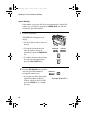
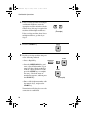
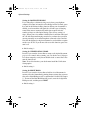
8
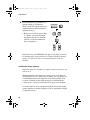
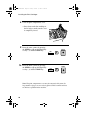
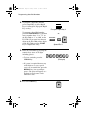
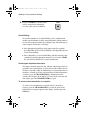
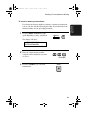
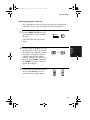
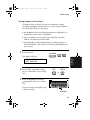
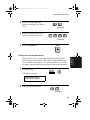
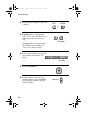
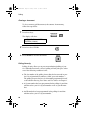
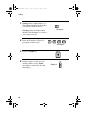
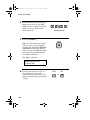
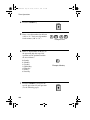
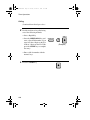
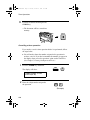
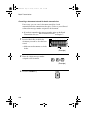
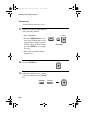
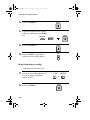
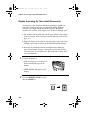
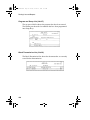
Press the START key.
9
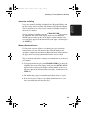
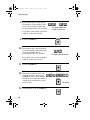
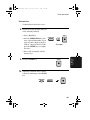
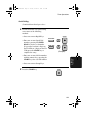
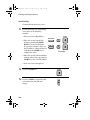
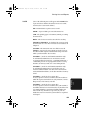
Press 1 if the number programmed is
an area code or access code to be used
for Chain Dialling (see Chain
Dialling at the end of this procedure).
Press 2 (or START) if the number is a
regular fax number.
START
SET
CANCEL
1
or
2
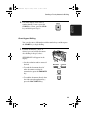
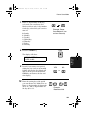
• If you pressed 1 or are
programming a Speed Dial number,
go to Step 14. (Note: A backup fax
number cannot be entered in a
Rapid Key used for Chain
Dialling.)
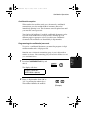
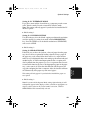
10
11
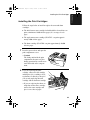
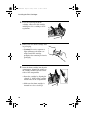
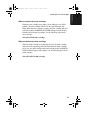
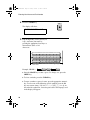
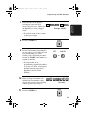
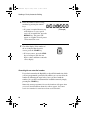
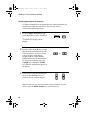
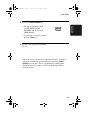
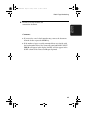
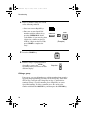
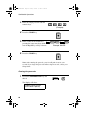
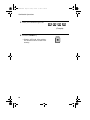
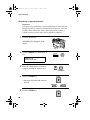
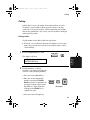
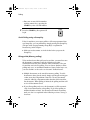
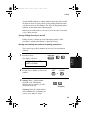
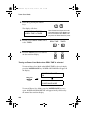
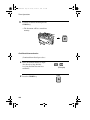
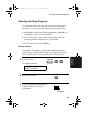
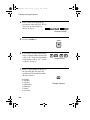
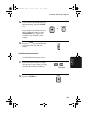
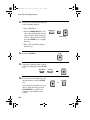
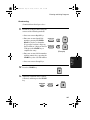
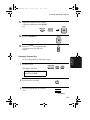
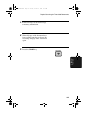
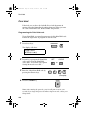
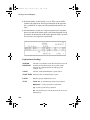
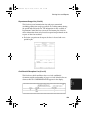
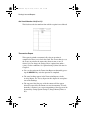
Enter a backup fax number to be
dialled if the first number is busy.
(If you don’t want to enter a backup
number, go directly to Step 13.)
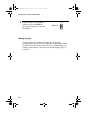
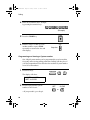
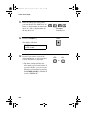
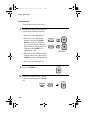
Press the START key.
3
1
2
4
4
1
1
(Example)
START
47