1
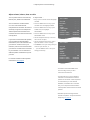
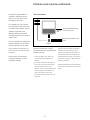
Set the television to switch itself on or off
Your television has a built in
Sleep Timer which means that
you can make it switch off after
a designated number of minutes.
Also you can make the television
react to a Play Timer programmed
on an Audio or Video Master
connected to the television via
Master Link.
If the Play Timer source is DTV,
settings must be made in the
DTV PLAY TIMER menu.
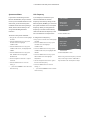
Sleep Timer
Play Timer
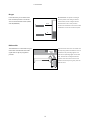
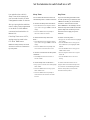
You can make the television switch off
If you connect a Bang & Olufsen audio
automatically after a number of minutes.
or video product to your television with
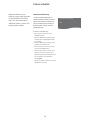
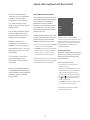
To activate the Sleep Timer with Beo4 …
include it in timed functions via the
a Master Link cable, you can exclude or
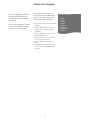
>Press LIST and use the navigation button
up or down to bring up SLEEP in the Beo4
system’s Play Timer to OFF if you wish
display.
>Press the centre button repeatedly to
select the number of minutes.
will not turn if the TV is switched on
by a Play Timer.
timed functions to apply only to the
television.
To deactivate the Sleep Timer with
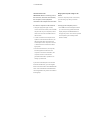
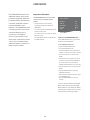
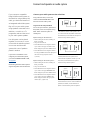
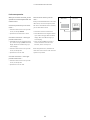
To switch on the Play Timer …
Beo4 …
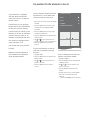
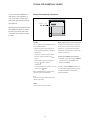
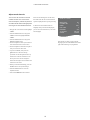
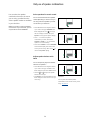
>Bring up the TV SETUP menu and highlight
>Press LIST and use the navigation button
up or down to bring up SLEEP in the Beo4
NOTE! For safety reasons, the stand
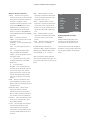
PLAY TIMER menu. For example, set the
television Play Timer to ON and an audio
display.
PLAY TIMER.
>Press the centre button to bring up the
PLAY TIMER menu, and highlight TIMER
>Press the centre button repeatedly until
OFF is shown on the television screen.
ON/OFF.
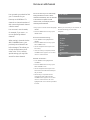
>Press the centre button to bring up the
TIMER ON/OFF menu.
To activate or deactivate the Sleep Timer
with Beo5 …
>Use the navigation button left or right to
reveal ON.
>Press Sleep and select the number of
minutes or Off.
>Press the centre button to store the
setting.
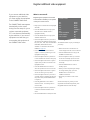
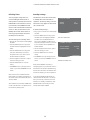
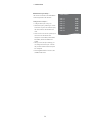
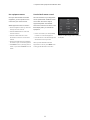
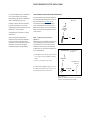
To set the Sleep Timer via the menu …
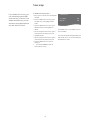
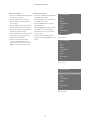
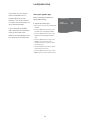
>Bring up the TV SETUP menu and highlight
For further information about how to
program Timers and switch the Play Timer
on or off for a connected Bang & Olufsen
SLEEP TIMER.
>Press the centre button to bring up the
SLEEP TIMER menu.
>Press the centre button repeatedly to
switch between the number of minutes
and OFF.
25
audio or video product, see the Guide
enclosed with the product.