1
00656E VP-D93(i) UK (28~63)
7/16/03 10:58 AM
Page 31
ENGLISH
Basic Recording
Adjusting the LCD
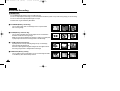
✤ Your camcorder is equipped with a 2.5 inch colour Liquid Crystal Display(LCD) screen, which enables you
to view what you are recording or playing back directly.
✤ Depending on the conditions under which you are using the camcorder (indoors or outdoors for example),
you can adjust ;
■ BRIGHT SELECT
■ BRIGHT ADJUST
■ COLOUR ADJUST
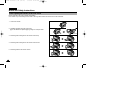
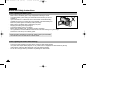
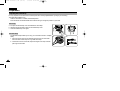
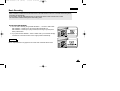
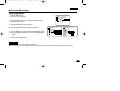
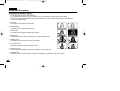
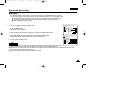
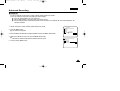
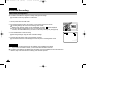
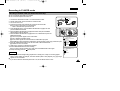
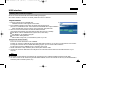
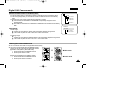
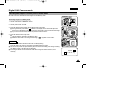
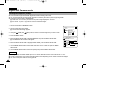
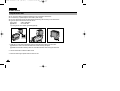
1. Set the POWER switch to CAM position.
■ In the PLAYER mode, you may only setup the LCD while the tape is playing.
2. Open the LCD screen, and the LCD switches on.
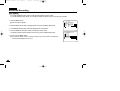
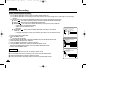
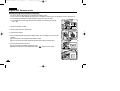
3. Press the MENU button.
CAM MODE
CAM MODE
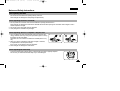
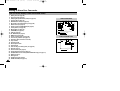
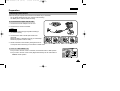
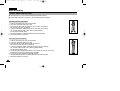
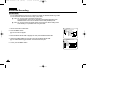
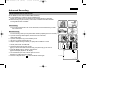
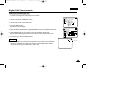
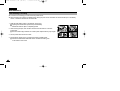
4. Move the MENU SELECTOR so that VIEWER is highlighted and
then push the MENU SELECTOR.
INITIAL
CAMERA
A/V
MEMORY
VIEWER
VIEWER SET
LCD ADJUST
DATE / TIME
TV DISPLAY
LCD ADJUST
DATE/TIME
TV DISPLAY
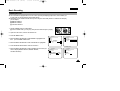
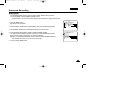
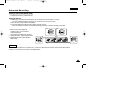
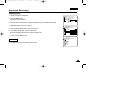
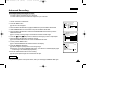
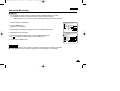
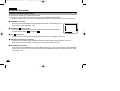
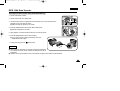
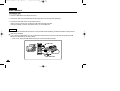
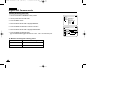
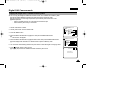
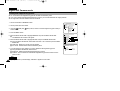
5. Move the MENU SELECTOR so that LCD ADJUST is highlighted.
6. Push the MENU SELECTOR to enter the sub-menu.
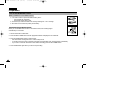
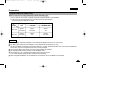
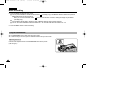
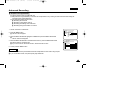
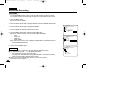
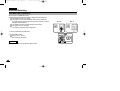
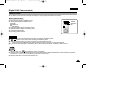
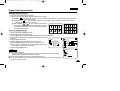
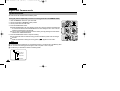
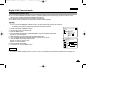
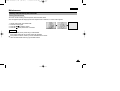
7. Move the MENU SELECTOR so that it highlights the menu item you
want to adjust (BRIGHT SELECT, BRIGHT ADJUST,
COLOUR ADJUST).
*VP-D99(i) only
CAM MODE
CAM MODE
LCD ADJUST
VIEWER SET
BRIGHT SELECT
LCD ADJUST
BRIGHT SELECT
BRIGHT ADJUST
COLOUR ADJUST
NORMAL
[18]
[18]
NORMAL
SUPER
BACK LIGHT
31