1
SENDING DOCUMENTS
4
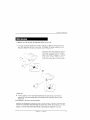
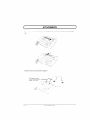
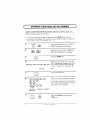
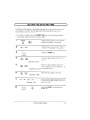
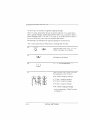
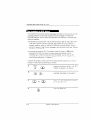
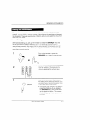
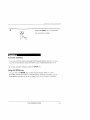
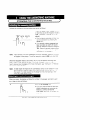
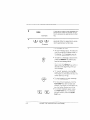
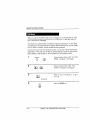
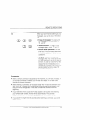
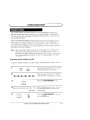
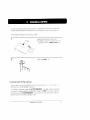
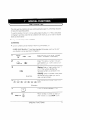
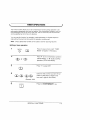
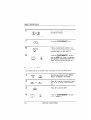
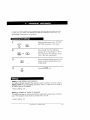
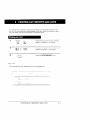
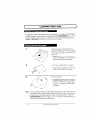
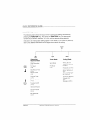
When you hear the reception tone, press
the START key. Replace the handset if
you used it.
. When transmission IScompleted, the
fax will beep.
D
K
D
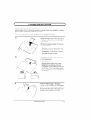
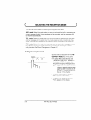
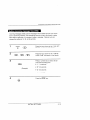
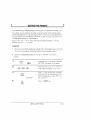
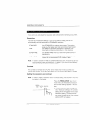
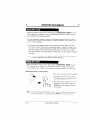
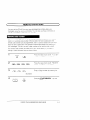
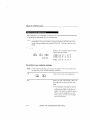
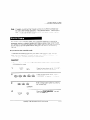
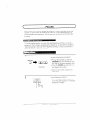
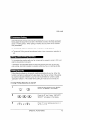
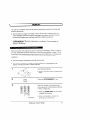
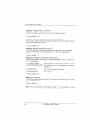
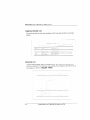
If you do not need to talk with the other party before sending the fax, you can Just
dial: it isn’t necessary to pick up the handset or press the SPEAKER key.
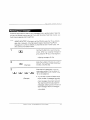
Direct Keypad Dialling ISa form of automatic dialllng, so if you need to insert a
pause between any digits of the number, press the REDIAL key. (For more
Information on pauses, see “Storing Numbers for Automatic Dlalllng” In Chapter
2.)
1
2
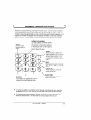
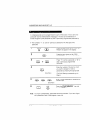
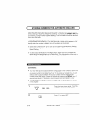
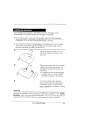
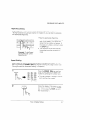
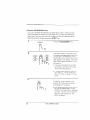
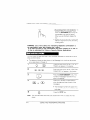
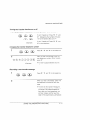
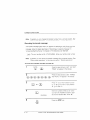
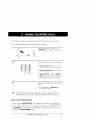
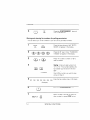
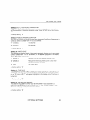
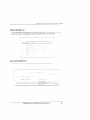
Enter the number of the receiving machine by pressing the numeric keys,
~-~si
,,,~,,!:c
r
\
o
o
h
3-6
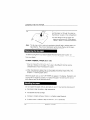
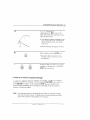
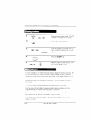
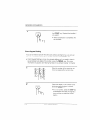
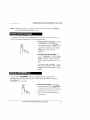
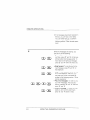
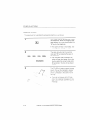
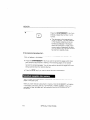
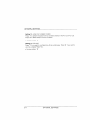
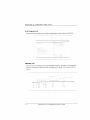
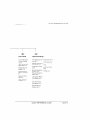
Check the display. If the number of the
recelvlng machine shown IScorrect,
press the START key.
●
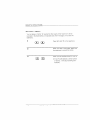
If it is not correct. press the STOP key’
to backspace and clear one digit at a
time, and then re-enter the correct
digit(s).
FAX OPERATIONS