1
Fluent View, Continued
Customizing the Fluent View
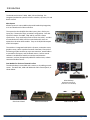
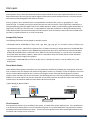
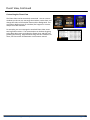
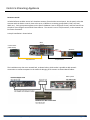
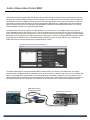
The Fluent View can be extensively customized. You can remove
windows you do not use, rearrange the windows, resize them, and
change the colors of the window frame and the background. You
can make a duplicate copy of a window, like Program or a source,
and put it on both monitors.
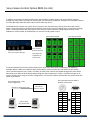
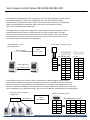
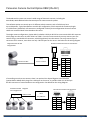
For example, you can rearrange the standard Fluent View across
two large wall monitors. The customization can be done by going
to the drop down menu, unlocking the Fluent View, and then just
grabbing and resizing. Alignment and sizing tools are included. For
more, see Fluent View Customization in the owners manual.
Mica Installation Planning Guide - Sept 2011
Page
20