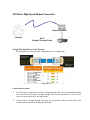
1
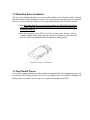
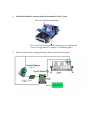
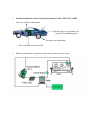
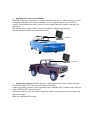
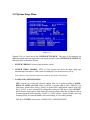
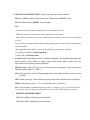
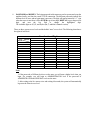
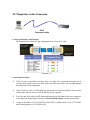
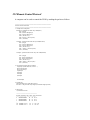
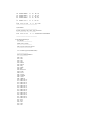
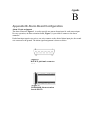
10.7 Simple One to One Connection Cat 5 Cross-over-cable Crossover Ethernet Cable Pin outs: The Diagram below shows the pin configurations for a cross over cable. Diagram 10.1 Connection Procedure: The First step is to purchase or make a cross over cable. We recommend purchasing one if you have never made a cross over cable. Please remember you can not use a straight through network cable for this application Once you have a cross over cable plug one end into the LAN port on the back of the recorder and the other into the network card on the back of the computer. Now Log into the Everfocus DVR menu and using the jog dial from the previous chapter go to the Network Setting Menu. (Please see Network Setting Menu for more instructions) Assign an IP address of 192.168.001.003 to the DVR, a Subnet mask of 255.255.255.000, and a default gateway of 192.168.001.001.