1
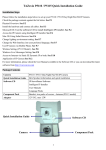
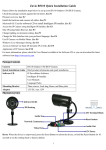
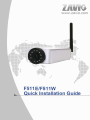
Zavio F511E / F511W Quick Installation Guide
Please follow the installation steps below to set up your F511E / F511W IP Camera.
Check the package contents against the list below. See P.1
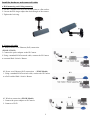
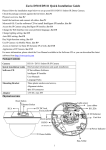
Physical overview. See P.1
Install the hardware and connect all cables. See P.2
Microsoft OS: Use the software CD to install Intelligent IP Installer. See P.3
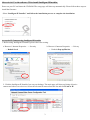
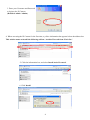
Access the IP Camera using Intelligent IP Installer. See P.3
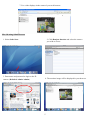
Mac OS using Safari Browser. See P.5
Change lighting environment setting. See P.6
Change the Web Interface into your preferred language. See P.6
Use IP Camera via Mobile Phone. See P.6
Wireless Setting(F511W Model). See P.7
Windows Live Messenger Setting. See P.7
Access to Internet via Static IP, Dynamic IP or both. See P.9
For more information, please check the User Manual available in the Software CD or you can download the latest
software from http://www.zavio.com
Package Contents
Camera
F511E / F511W IP Camera
Quick Installation Guide
Brief product information and quick installation
Software CD
IP Surveillance Software
Intelligent IP Installer
User Manuals
Language Packs
Mounting Bracket
Three screw, Lock ring, Brace and Base plate
Antenna
For connection of IEEE 802.11 b / g wireless network (F511W model)
Adaptor
12V DC, max 6W
Physical overview
Focus Adjustment Ring: Adjust the focus ring to get a clear image.
Reset: When the device is powered, press the Reset Button to reboot the device, or hold the Reset Button for 10
seconds to set the settings back to factory default
1