1
Network Video Manager System
Chapter 1 Installation for software
Important Note: Please notice that the video card driver must support the hardware speedup function. NVIDIA GeForce
6200/6600/7400/8600/9500/9600 series etc, ATI Radeon 7000/7200/7500/8500 /9000/9200 /9500/9600 series have already
been tested.
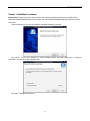
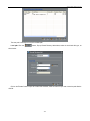
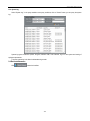
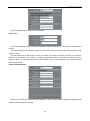
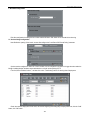
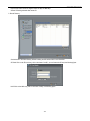
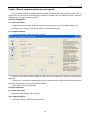
Double click Setup.exe, will pop up the installation confirmation dialogue box as below:
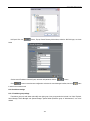
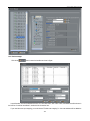
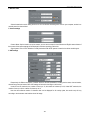
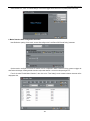
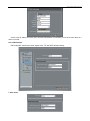
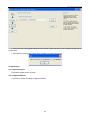
Click “NEXT”, will pop up the dialogue box. Select installation location, the system default path is “C:\Program
Files\NVMS”, click “Browse” to select installation path.
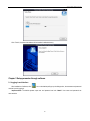
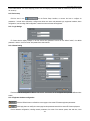
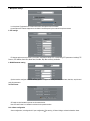
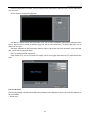
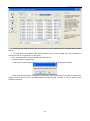
Click “Next”, a dialogue box will pop up.
-2-