1
Install from the Add Printer Wizard
INSTALL
FROM THE
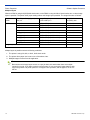
Software Update Procedure
ADD PRINTER WIZARD
No t e
Follow these instructions if the Found New Hardware Wizard does not initiate after connecting
your printer.
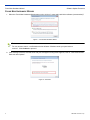
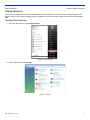
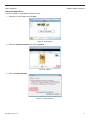
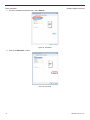
1. Go to the Start menu and select Control Panel. Click on Printer in the Control Panel.
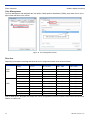
Figure 9. Control Panel
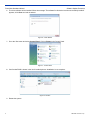
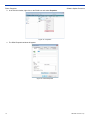
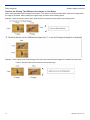
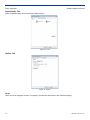
2. Click on Add a Printer in the menu bar along the top of the Printer window.
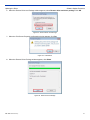
Figure 10. Add a Printer
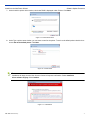
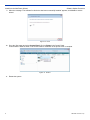
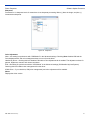
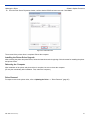
3. At the Choose a local or network printer window, select Add a local printer.
Figure 11. Local or Network Printer
DNP IMS America Corp.
5