1
ADCTDN2412N_P_EN.book Page 54 Friday, September 28, 2007 12:49 PM
Detailed setting
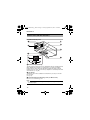
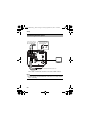
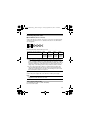
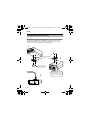
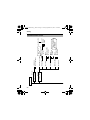
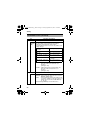
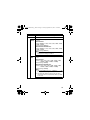
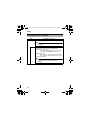
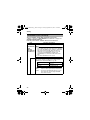
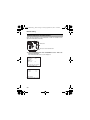
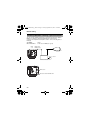
Control by B&W/Color switching signal from external
You can use the switching signal from an external control device to link the
B&W/Color switching or near-infrared illumination of this camera.
Consult your nearby American Dynamics dealer on the connecting devices.
Example)
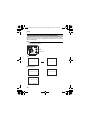
AUX MODE
: IR IN
INPUT POLARITY
: In the case of MAKE (A Pg. 36)
B&W
Color
CLASS 2 ONLY
ISOLATED POWER ONLY
: MAKE signal
: BREAK signal
SEE INSTRUCTION
MANUAL
Infrared illumination
POWER
+
1
DC12V d
AC24V H
2
INT
LL
MENU
SET
VIDEO OUT
SELECTOR
Sensor or switch
External control device
CLASS 2 ONLY
ISOLATED POWER ONLY
SEE INSTRUCTION
MANUAL
POWER
+
1
2
DC12V d
AC24V H
INT
LL
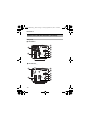
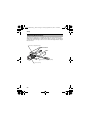
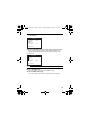
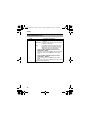
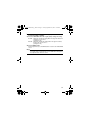
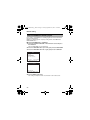
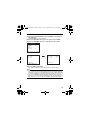
MENU button
MENU
SET
VIDEO OUT
SELECTOR
54
SET button and SELECTOR switch