1
Ofrecido por www.electromanuales.com
S PECIAL F E A T U R E S
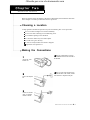
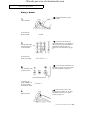
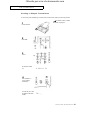
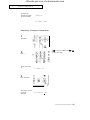
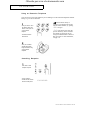
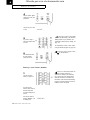
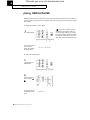
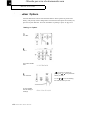
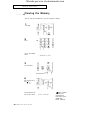
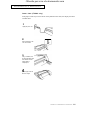
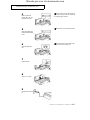
Clearing the Memory
You can clear the information in your fax machine’s memory.
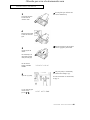
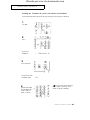
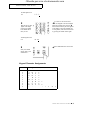
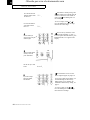
1
Press MENU.
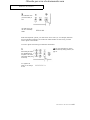
2
Press 7.
The LCD shows "MEMORY"
CLEAR".
7. MEMORY CLEAR
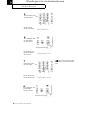
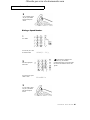
3
Press START/COPY.
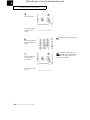
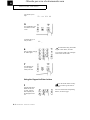
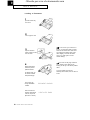
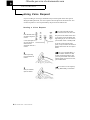
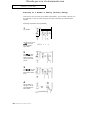
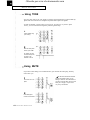
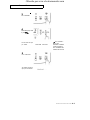
4
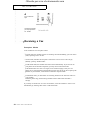
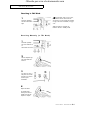
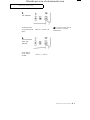
Select the desired menu by
using or .
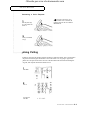
The LCD briefly shows the
menu you have selected.
4.16 CHAPTER FOUR : SPECIAL FEATURES
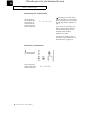
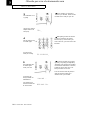
T X / R X J O U R N AL
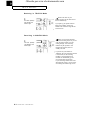
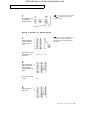
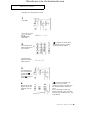
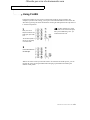
4 Menus available :
TERMINAL ID
SYSTEM DATA
ONE-TOUCH DIAL
SPEED DIAL
TX/RX JOURNAL