1
B. Play Mode
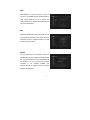
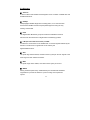
Press GREEN button, you will have Loop, and Slideshow Interval, and Photo view
mode, to gain the viewing experience of your multimedia pleasure
C. Upload
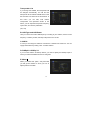
Press YELLOW button, you will have upload function, and you can upload data to
your USB or to your ftp.
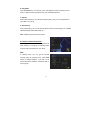
D. PVR Setting
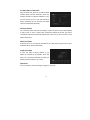
Press PVR Setting, you can set the PVR path, and some other settings, for example,
RECORD MODE, RECORD TIME, etc….
Note: USB support FAT & FAT32, NTFS
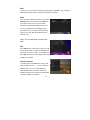
4.6 Other Useful Information
This will guide you on how to use general info
while watching TV program or listening Radio
program with some buttons on your RCU.
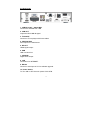
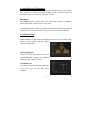
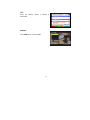
FAV
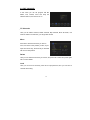
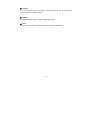
In viewing mode, you can get the favorite
channel group by pressing FAV, press FAV
button to change category. If you did not set
favorite channel in advance, it will show with no
FAV program.
21