1
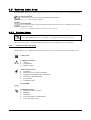
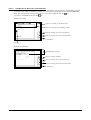
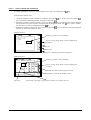
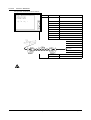
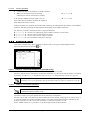
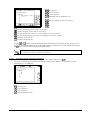
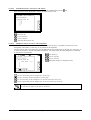
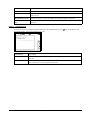
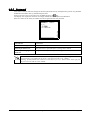
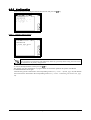
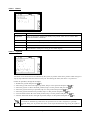
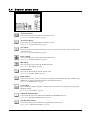
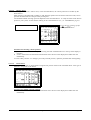
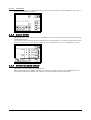
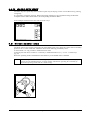
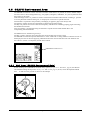
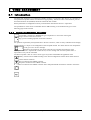
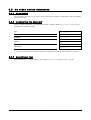
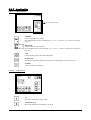
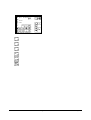
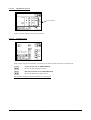
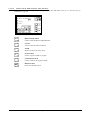
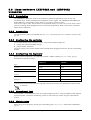
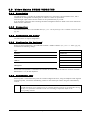
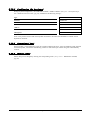
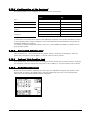
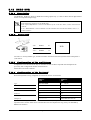
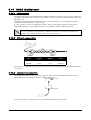
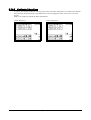
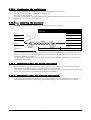
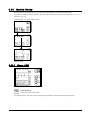
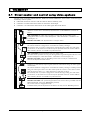
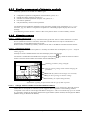
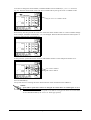
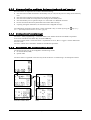
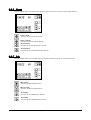
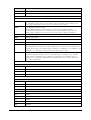
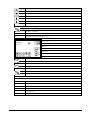
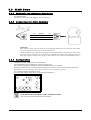
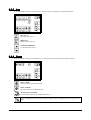
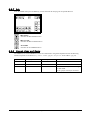
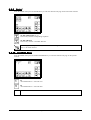
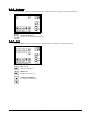
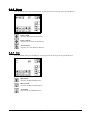
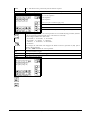
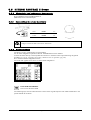
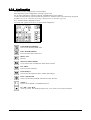
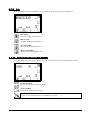
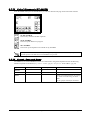
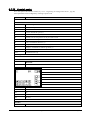
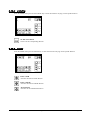
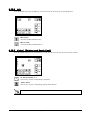
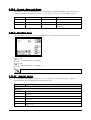
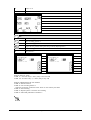
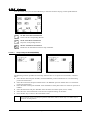
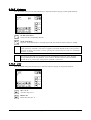
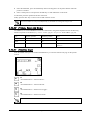
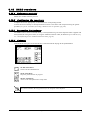
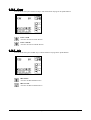
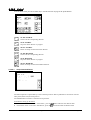
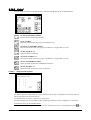
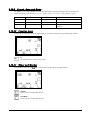
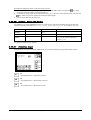
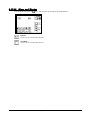
4.2 Sy s tem data Area From the MAIN menu, in the system data area, there are two keys that are used to enter the following menus: SYSTEM SETUP Used to enter the menu for changing all the keyboard parameters (see § 4.2.1 - System Setup , pag.19) SYSTEM INFO Used to obtain the most important information about how the system is configured and to enter the “ SERVICE” screen. (see § 4.2.7 - System Information and service menu, pag.42) 4. 2. 1 Sy s tem Setup To prevent changes to keyboard configuration or limit them to authorised personnel only, access to the PARAMETERS menu can be restricted by requiring the insertion of a password. The menu can be used to set up the keyboard operating mode by configuring a series of parameters. 4.2.1.1 Structure of the setup menu The following is a list of parameter categories that can be set in this menu, and their corresponding icons: LANGUAGE COMMUNICATIONS VIDEO TELEMETRY SERIAL TESTS ACCEPTED VALUES CAMERAS MONITOR/LOCAL MULTIPLEXER CAMERAS EXTERNAL MULTIPLEXER EXTERNAL MULTIPLEXER FUNCTIONS COMMON KEYS PASSWORD CONFIGURATIONS RESTORE BASE VALUES BUZZER JOYSTICK TOUCH SCREEN CALIBRATION TOUCH SCREEN TEST Page 20 of 193 MNVADCT_0409