1
3
Composing and sending
messages
In the previous chapters of this guide, you learned about your
handheld’s main components and the general procedures required
for sending and reading messages. This chapter explains the
different features that the handheld offers for advanced composing
and sending capabilities.
Setting message options
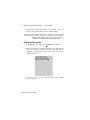
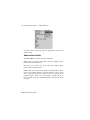
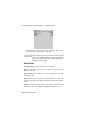
You can change the message options for all message types received, saved, and sent. You can choose:
•
Display Time: shows the time the message was sent or
received.
•
Display Name: shows the name of the sender or the
recipient.
•
Confirm Delete: confirms deletion of messages.
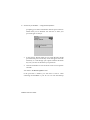
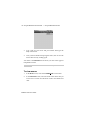
To set message options
1.
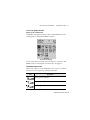
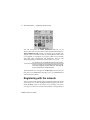
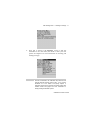
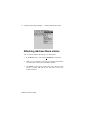
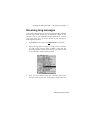
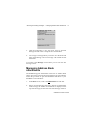
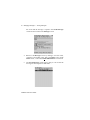
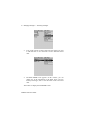
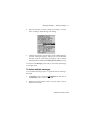
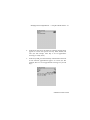
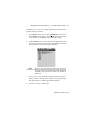
In the Home screen, scroll to the MESSAGES icon and click.
2.
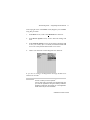
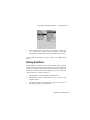
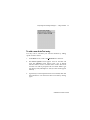
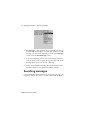
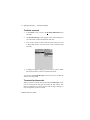
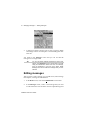
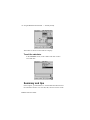
In the Messages screen, click the trackwheel to view the menu.
Scroll to Options and click.