1
Section 4-4-7, 4-4-8
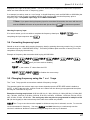
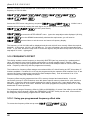
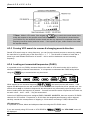
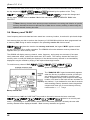
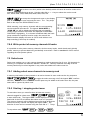
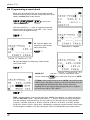
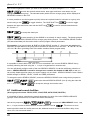
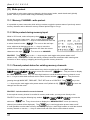
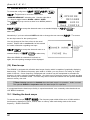
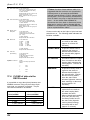
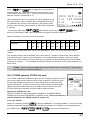
If bank “J” contains data, the legend “J00” will be displayed (the number indicating the presence of
data), if no data is held in bank “J” the legend “J--“ will be displayed.
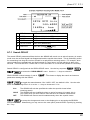
to delete the
contents of bank “J”, this will take a few seconds to action by the CPU. The legend “J--“ will be
displayed to confirm deletion.
to return to the display prior to accessing the VFO environment menu. Alternatively
you may move to the next option (QUICK MEMORY) by pressing the
key.
4-4-8 VFO QUICK MEMORY
It is possible to automatically save the current VFO frequency or frequencies found during VFO search
(as an alternative to VFO search auto store) to the 10 quick memories for rapid recall. To automatically
distinguish between ‘interesting’ and ‘uninteresting’ frequencies, you may set the length of time you
need to monitor the frequency before the automatic save takes place. The available range is
OFF / 10s - 990s in 10 second increments (default is off).
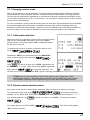
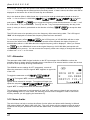
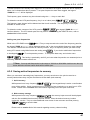
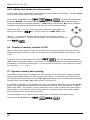
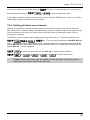
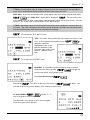
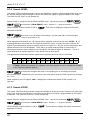
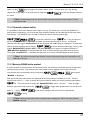
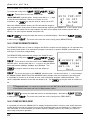
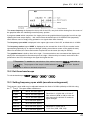
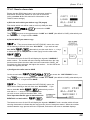
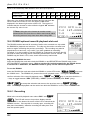
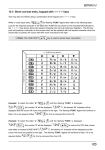
VFO quick memory is configured via the VFO environment menu, use the key sequence
to access the VFO environment menu.
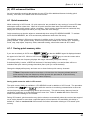
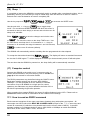
seven times to move to the QUICK MEMORY parameter.
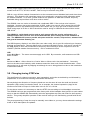
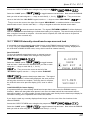
60s or use the main dial to increment in 10s and the
the
key
to toggle between off and
keys to increment in 100s.
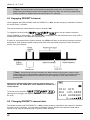
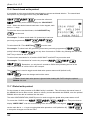
to accept the changes and return to the display prior to accessing the VFO
environment menu. Alternatively you may move to the top of the VFO environment option list by
key.
pressing the
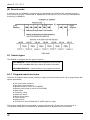
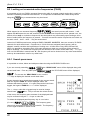
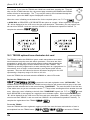
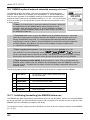
While in VFO or VFO search mode, frequencies monitored for longer than the specified quick memory
period will be automatically saved to the 10 quick memories. To prevent duplication, frequencies closer
than ± 10 kHz to a frequency already held in quick memory will be ignored. While in VFO mode, you
may still manually write to quick memories by pushing
. Once all 10 quick memories have been
used, the oldest will be overwritten in sequence.
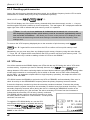
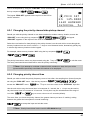
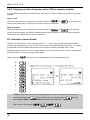
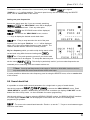
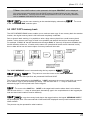
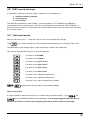
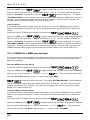
To recall quick memories while in VFO mode,
memories use the
, to cycle through the quick
keys.
For further information regarding quick memories, refer to section 4-1 of this manual.
50