1
calls
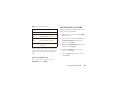
To make and answer calls, see page 16.
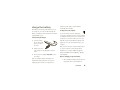
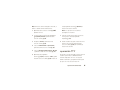
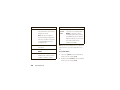
With automatic redial, your phone automatically
redials the number for four minutes. When the call
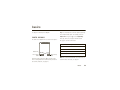
redial a number
goes through, your phone rings or vibrates once,
displays Redial Successful, and connects the call.
1
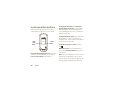
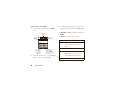
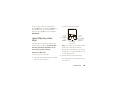
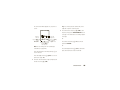
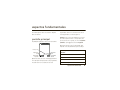
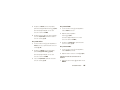
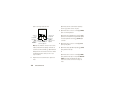
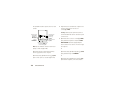
Press the Send Key ($) to see the ALL CALLS list.
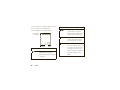
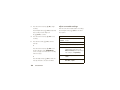
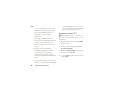
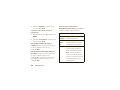
You must turn on automatic redial to use the feature:
2
Use the Directional Key (N) to scroll to the entry
1
you want to call.
3
Press the Send Key ($) to redial the number.
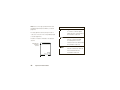
the menu.
2
busy when you dialed.
3
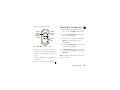
Scroll to Call Settings and press the Center Select
Key (P) (OK).
automatic redial
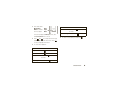
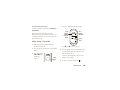
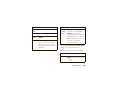
Call Failed, Number Busy.
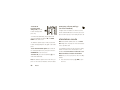
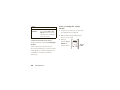
Use the Directional Key (N) to scroll to
Î Settings & Tools and press the Center Select
Key (P) (OK).
Note: The ALL CALLS list includes numbers that were
When you receive a busy signal, your phone displays
Press the Center Select Key (P) (MENU) to open
4
Select Auto Retry and press the Center Select
Key (P) (OK).
calls
59