1
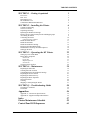
TABLE OF CONTENTS
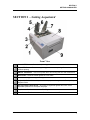
SECTION 1 – Getting Acquainted
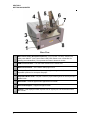
Front View
Rear View
Print Engine View
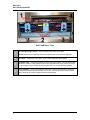
Ink Tank Door View
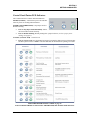
Control Panel Button/LED Indicators
SECTION 2 – Installing the Printer
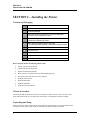
Contents of Packaging
Choose a Location
Unpacking and Setup
Hydrating the Printhead Cartridge
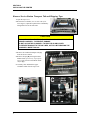
Remove Service Station Transport Tab and Shipping Tape
Assembling the Printer
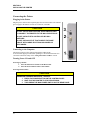
Connecting the Printer
Connecting to the Computer
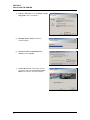
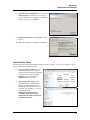
Install the Printer Driver
Install the Ink Tanks
Install the Printhead Cartridge
Removing the Head Media Guide
Install/Remove Envelope Attachment Spacers
Setting up the Feed
SECTION 3 – Operating the M1 Printer
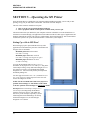
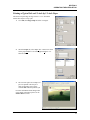
Setting Up a Job in MS Word
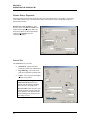
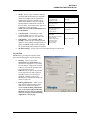
Printer Driver Properties
General Tab
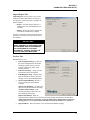
Layout Tab
Import/Export Tab
Services Tab
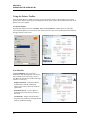
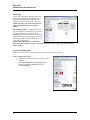
Using the Printer Toolbox
SECTION 4 – Maintenance
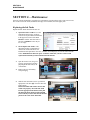
Replacing the Ink Tanks
Cleaning Ink Tank Contacts
Cleaning/Replacing the Printhead Cartridge
Replacing the Service Station
Replacing the Ink Waste Tray
Replacing the Sheet Separators
Jams in the Printer
Cleaning
Shipping or Transporting the Printer
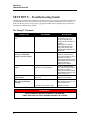
SECTION 5 – Troubleshooting Guide
The Memjet® Printhead
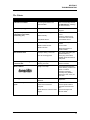
The Printer
Appendices
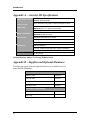
Appendix A – AstroJet M1 Specifications
Appendix B – Supplies and Optional Hardware
Index
Printer Maintenance Schedule
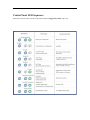
Control Panel LED Sequences
1
1
2
3
4
5
6
6
6
6
7
8
9
10
10
11
13
15
18
19
20
22
22
24
24
25
27
27
28
34
34
35
37
43
47
47
48
49
51
54
54
55
56
56
56
57
59
61
i