1
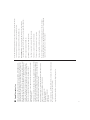
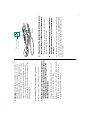
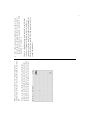
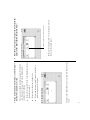
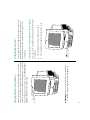
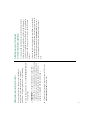
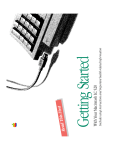
You can move
the arrow by
moving the
mouse.
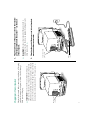
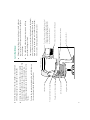
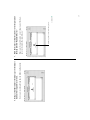
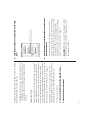
If the arrow doesn’t move on the screen, make sure that the
cable connecting the mouse to the keyboard is secure and
that your mouse is positioned as shown in the picture. (Don’t
disconnect the cable while your computer is on; you could
damage your equipment.)
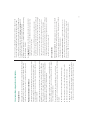
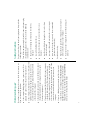
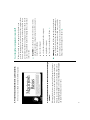
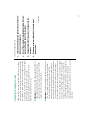
2. Notice that the arrow (8) moves in the direction you
move the mouse.
13
continues .
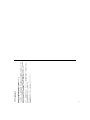
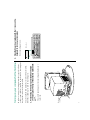
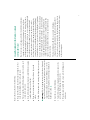
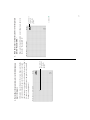
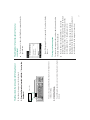
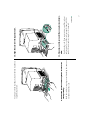
Put the tip of
the arrow
inside this
picture.
Make sure the tip of the arrow is over the picture, not over
the words “Macintosh HD.”
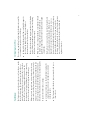
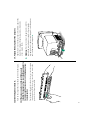
3. Move the mouse so that the arrow is over the picture
labeled “Macintosh HD.”