1
EXP5000 Buttons and Knobs
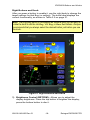
Right Buttons and Knob
After you press a button to enable it, use the right knob to change the
target settings for that Bug (or setting). The knob label displays the
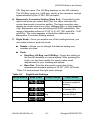
current functionality, as shown in Table 2.5 on page 21.
Note: The Hdg Bug button is re-enabled ten seconds after you last push or
rotate the knob to set the Alt Bug, VSI Bug, or Baro Set buttons. Avidyne
recommends that you always select the desired button just before you use
the knob.
1
4
3
5
6
2
2
3
5
6
7
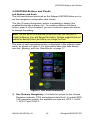
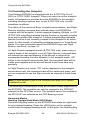
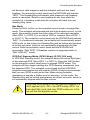
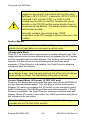
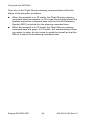
Figure 6. Right Buttons and Knob
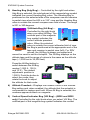
1) Brightness Control (BRT/DIM)—Allows you to adjust the
display brightness. Press the top button to brighten the display;
press the bottom button to dim it.
600-00142-000 Rev 01
-19-
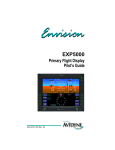
Entegra EXP5000 PFD