1
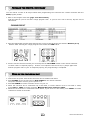
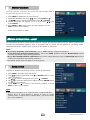
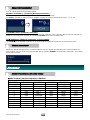
ANALOG TV (MONITOR) CONNECTIONS
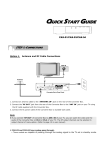
1. Connect an antenna cable to the “ANTENNA IN" jack on the rear of the Converter Box.
2. Connect the “R-AUDIO-L” jacks and “VIDEO” jack from the Converter Box to the “A/V IN” jacks on
your TV using RCA-type cables.
Converter Box Rear Panel
A/V IN
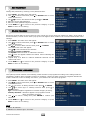
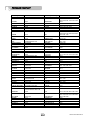
VCR CONNECTIONS
TV Connection Panel
1. Connect an antenna cable to the “ANTENNA IN" jack on the rear of the Converter Box.
2. Connect the “R-AUDIO-L” jacks and “VIDEO” jack from the Converter Box to the “A/V IN” jacks on
your VCR using RCA-type cables.
Converter Box Rear Panel
A/V IN
VCR Connection Panel
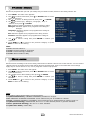
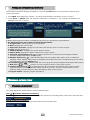
Note
• The VCR will record the onscreen display onto the tape during recording if:
- the channel is changed with CH (▲/▼)
- the sound level is adjusted with VOL (▲/▼)
or by pressing ENTER, etc.
• The caption signal is recorded because the display format is set only 480i.
CAX-01/CAX-03/CAX-04
8