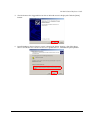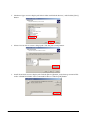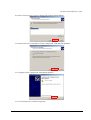
1
IR-700 Technical Reference Guide
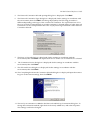
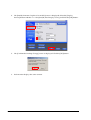
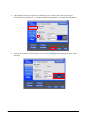
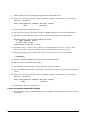
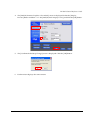
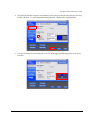
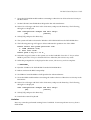
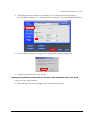
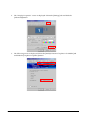
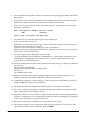
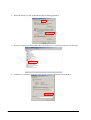
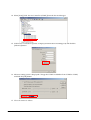
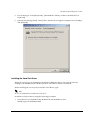
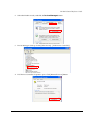
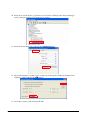
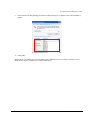
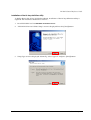
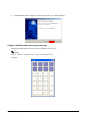
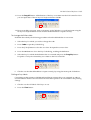
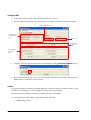
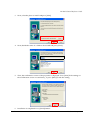
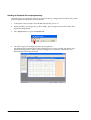
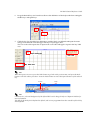
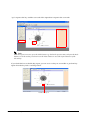
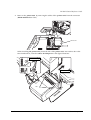
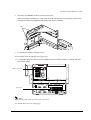
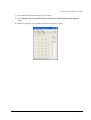
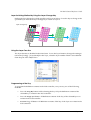
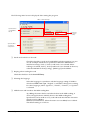
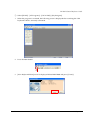
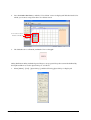
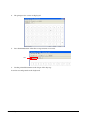
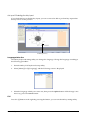
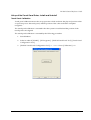
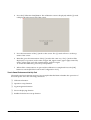
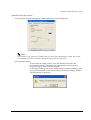
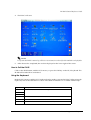
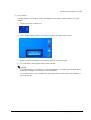
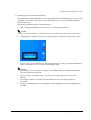
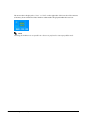
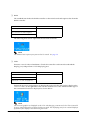
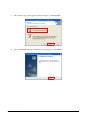
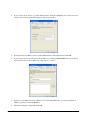
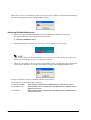
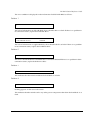
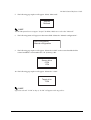
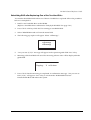
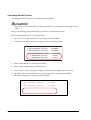
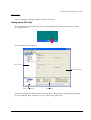
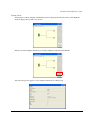
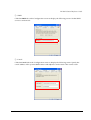
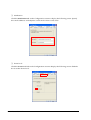
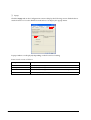
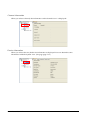
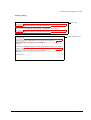
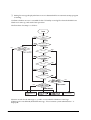
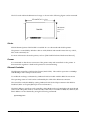
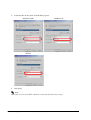
4. The “Intel(R) Extreme Graphics 2 for Mobile” screen is displayed. Select the [Display
Devices] button and then check the [Extended Desktop] button, and click the [Apply]
button.
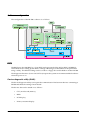
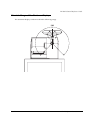
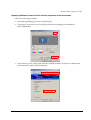
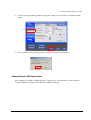
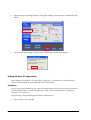
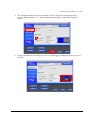
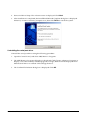
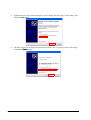
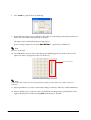
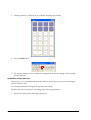
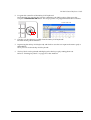
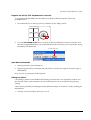
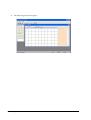
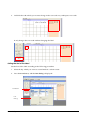
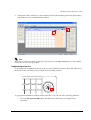
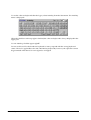
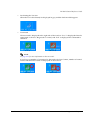
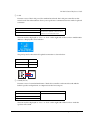
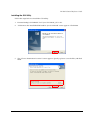
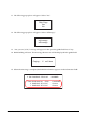
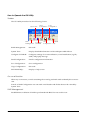
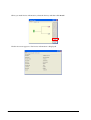
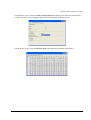
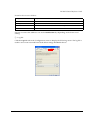
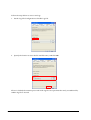
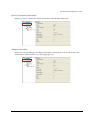
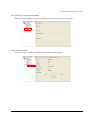
5. Change the method of allocating the work area by dragging and dropping the icons of the
monitors.
Rev. D
OS and Drivers 2-41