1
INTRODUCTION
24
Contents
GETTING READY
About This Manual ..................................................... 24
2
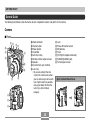
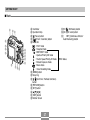
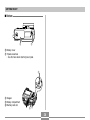
General Guide ............................................................ 26
INTRODUCTION
Camera
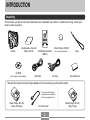
Unpacking .................................................................... 2
Monitor Screen Contents ........................................... 29
REC modes
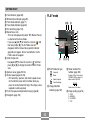
PLAY mode
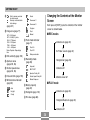
Changing the Contents of the Monitor Screen
Features ...................................................................... 11
Precautions ................................................................ 14
General Precautions
Test for proper operation before using the camera!
Data Error Precautions
Operating conditions
Condensation
Lens and Phase Differential Sensor
Other
19
26
14
16
17
17
18
18
18
29
33
34
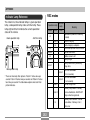
Indicator Lamps .......................................................... 35
Attaching the Strap .................................................... 36
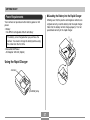
Power Requirements ................................................. 37
Using the Rapid Charger
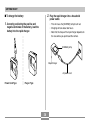
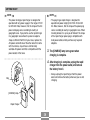
To load the battery
To remove the battery
Power Supply Precautions
Using AC Power
Turning the Camera On and Off
Configuring Power Saving Settings
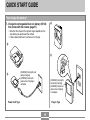
QUICK START GUIDE
First, charge the battery! ............................................ 19
37
41
42
45
48
50
51
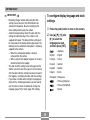
To configure display language and clock settings ..... 21
Using the On-screen Menus ...................................... 52
To record an image .................................................... 22
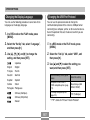
Configuring Display Language and Clock Settings ... 54
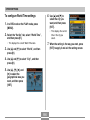
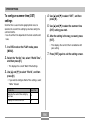
To configure display language and clock settings
To view a recorded image .......................................... 23
To delete an image ..................................................... 23
3
55