1
AC6000 TM Configuration Manual
36
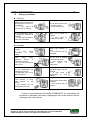
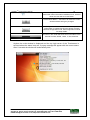
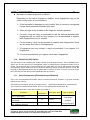
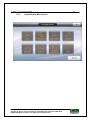
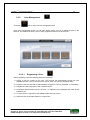
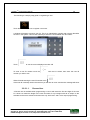
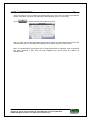
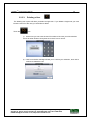
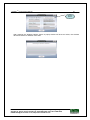
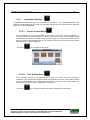
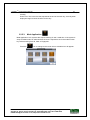
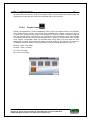
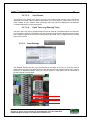
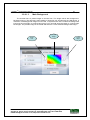
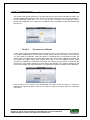
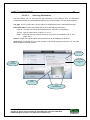
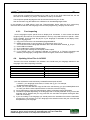
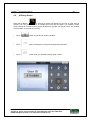
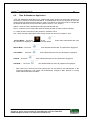
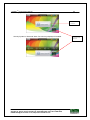
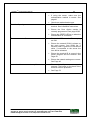
The following is a step by step guide on registering a user.
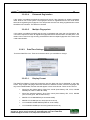
icon to register a new user.
Touch the
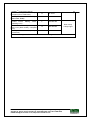
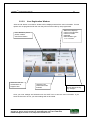
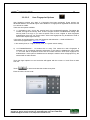
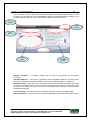
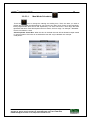
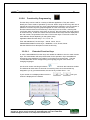
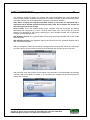
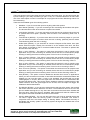
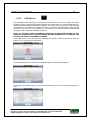
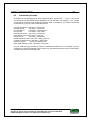
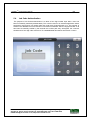
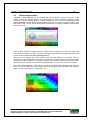
A window will appear to enter a user ID. This is an identification number that uniquely identifies
the user in the system. This window will always show the next available user ID number.
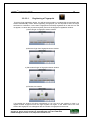
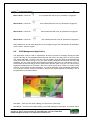
Touch
to use the current displayed number. OR
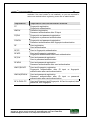
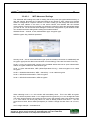
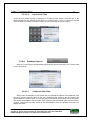
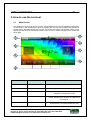
To enter a new ID number touch the
number you wish to use
until the id is blank, then enter the user ID
When finished entering the user ID number touch
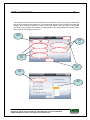
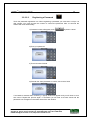
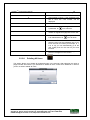
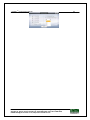
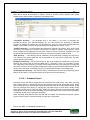
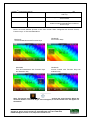
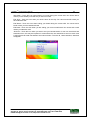
If the user ID is already used in the terminal you will hear an error sound and a message will show.
3.2.3.1.1.
Duress User
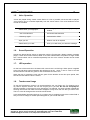
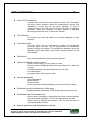
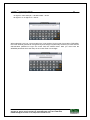
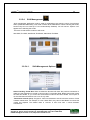
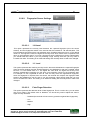
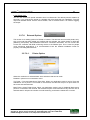
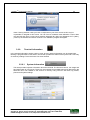
A Duress user is available when programming a user id with 99 as the first two digits of the user
id. It does not matter the length of the user id number, if any id begins with 99 an output on the
AC6000 can be set to activate for duress user only. See Lock1 and Lock 2 output programming.
UNION COMMUNITY Co., Ltd. 44-3 Hyundai Topics Building, Bangi-dong,
Songpa-gu, Seoul, Korea 138-050, Tel: 82-2-6488-3000, Fax: 82-2-6488-3099,
E-Mail:sales@unioncomm.co.kr, http://www.virditech.com