1
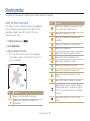
Shooting modes
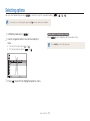
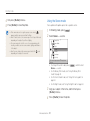
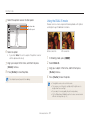
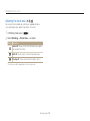
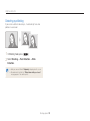
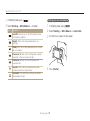
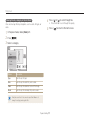
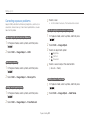
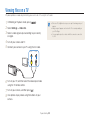
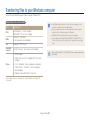
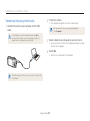
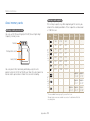
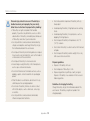
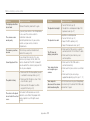
6 Select Shooting → Face Retouch → an option.
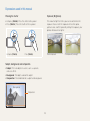
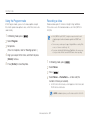
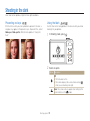
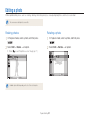
Using the Beauty Shot mode
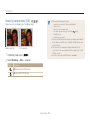
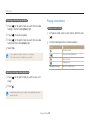
• Select a higher setting to hide a greater number of
imperfections.
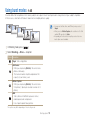
Take a photo of a person with options to hide facial imperfections.
].
1 In Shooting mode, press [
2 Select Scene → Beauty Shot.
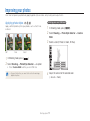
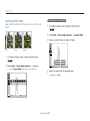
3 To make the subject's skin tone appear lighter (face
Level 3
only), press [
], and then go to Step 4. To hide
facial imperfections, press [
], and then go to Step
5.
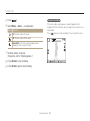
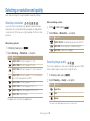
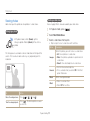
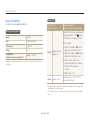
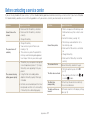
4 Select Shooting → Face Tone → an option.
• Select a higher setting to make skin tone appear lighter.
Back
Move
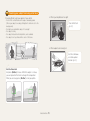
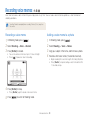
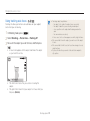
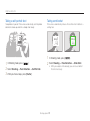
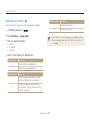
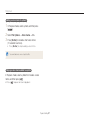
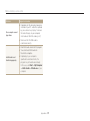
7 Align your subject in the frame, and then half-press
[Shutter] to focus.
8 Press [Shutter] to take the photo.
Level 2
The focus distance will be set to Auto Macro.
Back
Move
5 To hide facial imperfections, press [
].
Extended functions
29