1
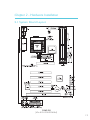
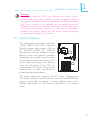
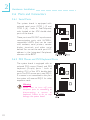
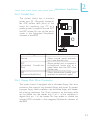
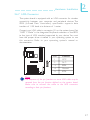
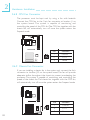
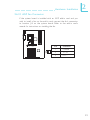
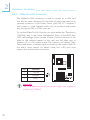
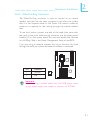
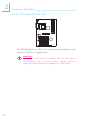
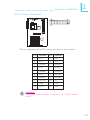
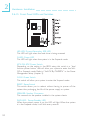
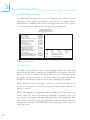
2 Hardware Installation 2.6 Ports and Connectors 2.6.1 Serial Ports The system board is equipped with onboard serial ports (COM 1: J3 and COM 2: J6) - both in Teal/Turquoise color located at the ATX double deck ports of the board. These por ts are RS-232C asynchronous communication por ts with 16C550Acompatible UARTs that can be used with modems, serial printers, remote display terminals, and other serial devices. You can set the serial ports I/O address in the Integrated Peripherals submenu of the BIOS. 2.6.2 PS/2 Mouse and PS/2 Keyboard Ports The system board is equipped with an onboard PS/2 mouse (Green) and PS/2 keyboard (Pur ple) por ts - both at location CN1 of the ATX double deck ports. The PS/2 mouse port uses IRQ12. If a mouse is not connected to this port, the system will reserve IRQ12 for other expansion cards. Warning: Make sure to turn off your computer prior to connecting or disconnecting a mouse or keyboard. Failure to do so may damage the system board. 22