1
MicroSCADA Pro
SYS 600 9.2
1MRS756115
Installation and Administration Manual
*
*
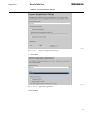
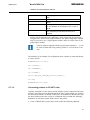
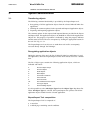
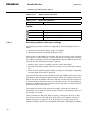
Import, Export and Close buttons
a tabbed page containing application objects to be handled
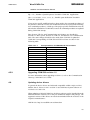
At the lowest part of Export/Import Tool dialog, there is a status bar showing the
number of processed application objects found and selected.
3.1.1.
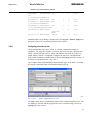
Opening and exiting Export/Import tool
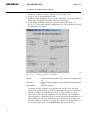
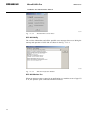
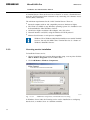
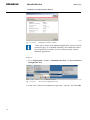
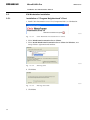
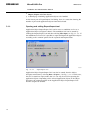
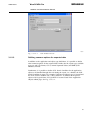
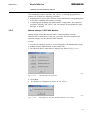
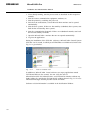
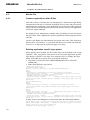
Application Object Import/Export Tool can be run as a standalone tool or as a
Application Object Navigator's subtool. The standalone tool can be started by
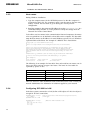
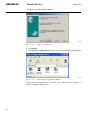
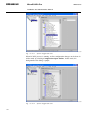
clicking the Import/Export icon and then selecting File>Open, see Fig. 3.1.1.-1. If
the standalone tool is used, it is possible to export and import the application objects
according to the common options for the exported and imported data.
A050154
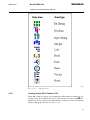
Fig. 3.1.1.-1
Export/Import icon
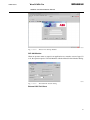
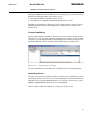
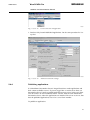
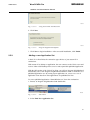
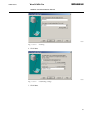
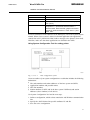
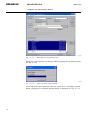
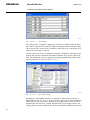
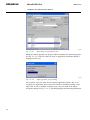
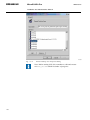
Application Object Export/Import Tool can also be started from the Object
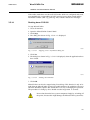
Navigator menu item by selecting Data > Export.... See Fig. 3.1.1.-2. In this case,
the tool is started on export mode, that is it can only be used for exporting the
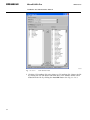
application objects. Depending on the selected application objects in the Object
Navigator, the common options in the Application Object Export/Import Tool
become assigned as defaults.
76