1
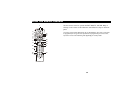
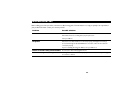
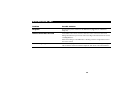
USING THE REMOTE CON TROL
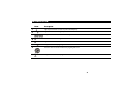
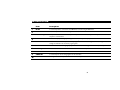
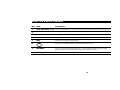
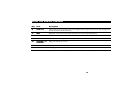
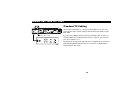
Key
Item
Description
1
AUX, VCR, CABLE, or TV
Selects the desired device to control (the selected mode remains active until you press another key)
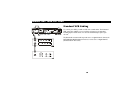
2
HELP
Displays the help screen
3
POWER
Turns the selected home entertainment component on or off
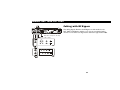
4
PAGE ▲ or PAGE▼
Pages through menu screens and electronic program guide
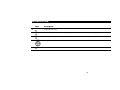
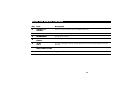
5
EXIT
Exits menus and electronic program guide
Moves cursor around the electronic program guide and menu screens
6
7
OK/SELECT
Selects menu options and Pay-Per-View events, or tunes programs from the electronic program
guide (your remote may only have OK; this key performs the same functions)
8
GUIDE
Displays the electronic program guide
12