1
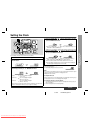
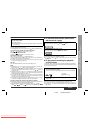
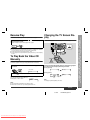
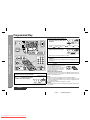
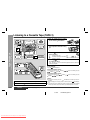
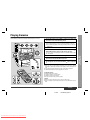
! Scan play
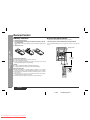
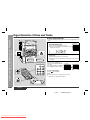
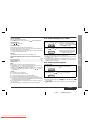
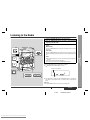
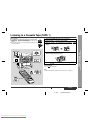
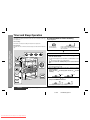
To interrupt playback:
Press the button on the remote control.
To resume playback from the same point, press the
/SELECT/RESUME button.
To stop playback:
Press and hold down the
PRESET
button during playback.
( /RETURN) button.
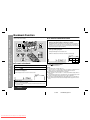
To remove the video CDs:
For fast reverse:
Press and hold down the
PRESET
button during playback.
After use:
Press the ON/STAND-BY button to enter the power stand-by mode.
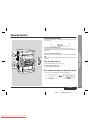
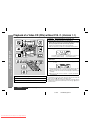
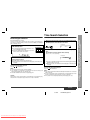
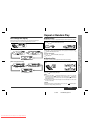
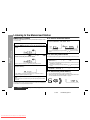
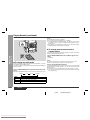
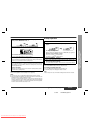
! To skip to the beginning of a track (skip
search)
Current scene
To move to the beginning of the next track:
Press the
PRESET
button for less than 0.5 seconds during playback.
" You can skip to any track by pressing the
PRESET
button repeatedly until the
desired track number appears.
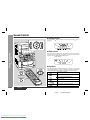
To restart the track being played:
Press the
PRESET
button for less than 0.5 seconds during playback.
" You can skip to any track by pressing the
PRESET button repeatedly until
the desired track number appears.
[Example] When the current track is 9
Beginning of track 9
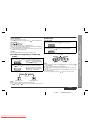
Notes:
" Normal playback will resume when the
PRESET
or
PRESET
button is released.
" You can locate the desired portion on a single disc only.
" During scan play, colours may fade, pictures may be distorted, or noise bars may
be seen.
" Pictures are shown intermittently and no sound is heard during fast forward or fast
reverse on video CDs.
" This can be operated by pressing the
or
button on the remote control.
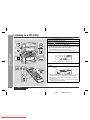
Video CD Playback
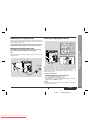
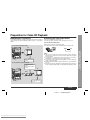
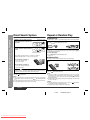
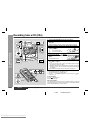
Whilst in the stop mode, press the OPEN/CLOSE button.
The disc tray will open. Remove the two discs. Then, press the DISC SKIP button to
rotate the disc tray and remove the remaining disc.
" If the DISC SKIP button does not allow to rotate the disc tray (you cannot remove
the disc), close and open again the tray.
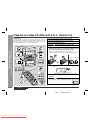
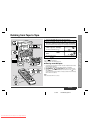
- Playback of a Video CD (CDs) without P. B. C. (Version 1.1) -
Press the
For fast forward:
Beginning of track 10
Notes:
" You can skip to the beginning of a track on a single disc only.
" The
PREV. or NEXT
button on the remote control allows you to locate the
beginning of a track.
ENGLISH
01/4/26
Downloaded From Disc-Player.com Sharp Manuals
CD-BK260V(S)E2.fm
E-20