1
9.
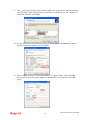
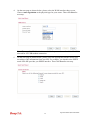
Now, your system will ask you to choose right name of the printer that you installed
onto the router. Such step can make correct driver loaded onto your PC. When you
finish the selection, click Next.
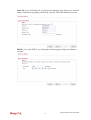
10. For the final stage, you need to go back to Control Panel-> Printers and edit the
property of the new printer you have added.
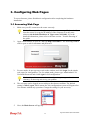
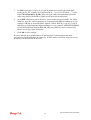
11. Select "LPR" on Protocol, type p1 (number 1) as Queue Name. Then click OK.
Next please refer to the red rectangle for choosing the correct protocol and LPR
name.
11
Vigor3200 Series Quick Start Guide