1
Chapter 8: P2ZCIMs and Z-CIMs
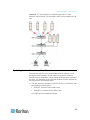
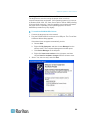
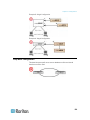
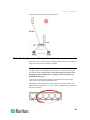
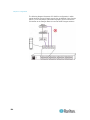
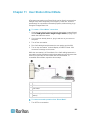
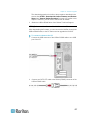
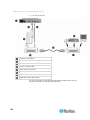
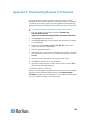
6. Plug in and turn ON the server. If the UKVMSPD is installed and
operating properly, the UKVMSPD green LED will start blinking (once
per second when the UKVMSPD is idle, more quickly while data
passes in either direction).
After finishing this installation, activate Local PC Mode on the user station.
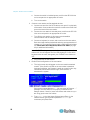
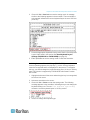
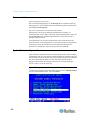
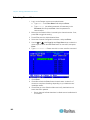
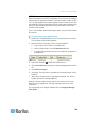
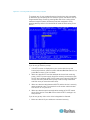
To activate the Local PC mode
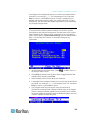
1. Log in at the connected user station.
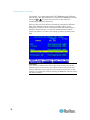
2. Press the hot key (default: Scroll Lock) twice rapidly to activate the
OSD.
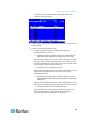
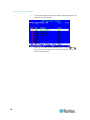
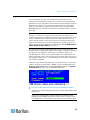
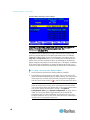
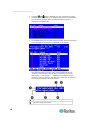
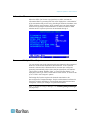
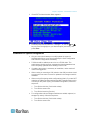
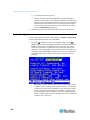
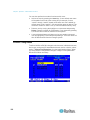
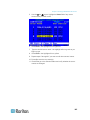
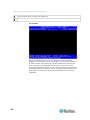
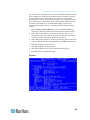
3. Press F4 to activate the User Profile menu.
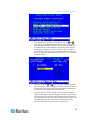
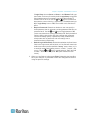
4. Press Tab or the
field.
and
keys to move the highlight to the Local PC
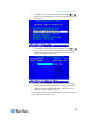
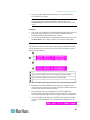
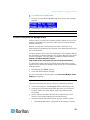
5. Press Enter. The Local PC field will turn green.
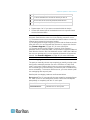
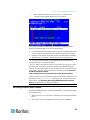
6. Press the
and
to toggle the value of the field to “On.”
7. Press Enter. The highlight will turn yellow.
8. Press S to save the change. If you do not wish to save changes, press
the Esc key to abort the changes.
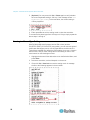
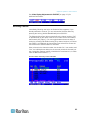
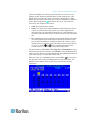
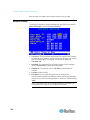
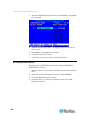
When Local PC Mode is turned on, you can access the dedicated local PC
server from this user station by pressing the Home key twice rapidly while
viewing the OSD. The user station will immediately switch you to the local
PC. To return to the Paragon system and its connected servers, activate
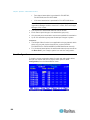
the OSD by pressing the hot key twice (default: Scroll Lock), and access
any of the listed servers from the Selection Menu.
140