1
IP Video Phone
Using the Basic Call Functions
Photo
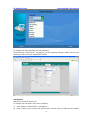
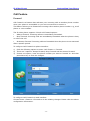
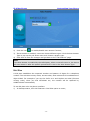
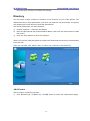
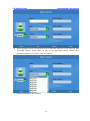
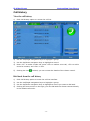
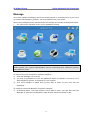
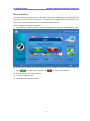
Enter the photo, the phone can play or manage the photo.
1)
Click 【Play】 it will automatically play the corresponding photos.
2)
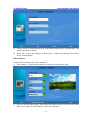
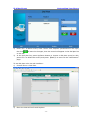
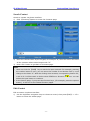
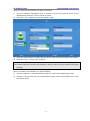
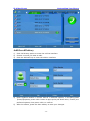
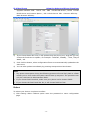
Click 【Manager】enter the manage interface. Then you can upload the photo from
the USB device.
And you can also delete the photos if you have sufficient
permissions.
3)
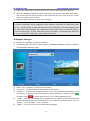
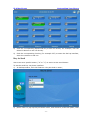
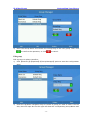
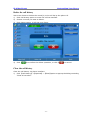
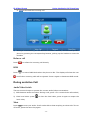
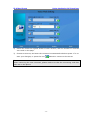
Click the <Delete> this button; it will pop up a warning frame, asking whether to
delete it. Click
to delete, click
frame.
- 43 -
to cancel and return to the Manage