1
Adjusting Projected Images
Correcting Keystone Distortion
32
• Correcting manually (Quick Corner) (EB-X14G only)
Manually correct the four corners independently.
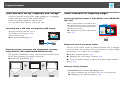
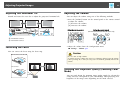
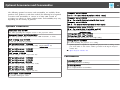
You can correct keystone distortion using one of the following methods.
• Correcting automatically (Auto V-Keystone) (EB-X14G/EB-W02/EB-X02/
EB-S02 only)
Automatically corrects vertical keystone distortion.
• Correcting manually (V-Keystone) (EB-W02/EB-X02/EB-S02/EB-W01/
EB-S01 only)
Manually corrects vertical keystone distortion.
a
When you correct keystone distortion, the projected image may be
reduced.
Correcting automatically
Auto V-Keystone (EB-X14G/EB-W02/EB-X02/EB-S02 only)
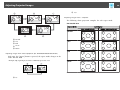
• Correcting manually (H/V-Keystone) (EB-X14G only)
Manually correct distortion in the horizontal and vertical directions
independently.
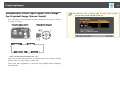
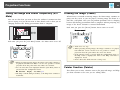
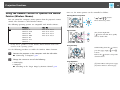
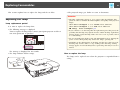
When the projector detects any movement, for example when it is installed,
moved, or tilted, it automatically corrects vertical keystone distortion. This
function is called Auto V-Keystone.
When the projector remains still for about two seconds after it detects
movement, it displays a screen for adjustment and then automatically
corrects the projected image.
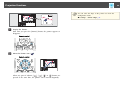
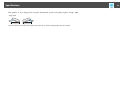
You can use Auto V-Keystone to correct the projected image under the
following conditions.
Correction angle: approx. 30˚ up and down